
How to issue a purchase certification
How to print invoice
- Go to [Membership] page and Log in to your UNIQLO Account
- Click [Purchase History].
- Choose [Online] section and select online order.
- Click [Receipt].
- Go to [Membership] page and Log in to your UNIQLO Account
- Click [Purchase History].
- Choose [Online] section and select online order.
- Click [Return] and follow the steps to submit return request within this link.
- You can get and reprint the return slip:
- During the return request process on your UNIQLO account, or
- On the return confirmation email that you will get once the return request has been submitted, or
- On Return Details with steps:
Contact UNIQLO Thailand
 CHAT SUPPORT
* "CHAT SUPPORT" only available in THAI language
Email
Our Customer Care team will get back to you within the next 24 hours submitted Webform.
Phone
Customer Care Operating hours:
Monday - Sunday: 9am - 6pm
(Including Public Holidays)
Monday - Sunday: 9am - 6pm
(Including Public Holidays)
Phone
1800 011957
Customer Care Operating hours:
Monday - Sunday: 9am - 6pm
(Including Public Holidays)
Monday - Sunday: 9am - 6pm
(Including Public Holidays)
Related services
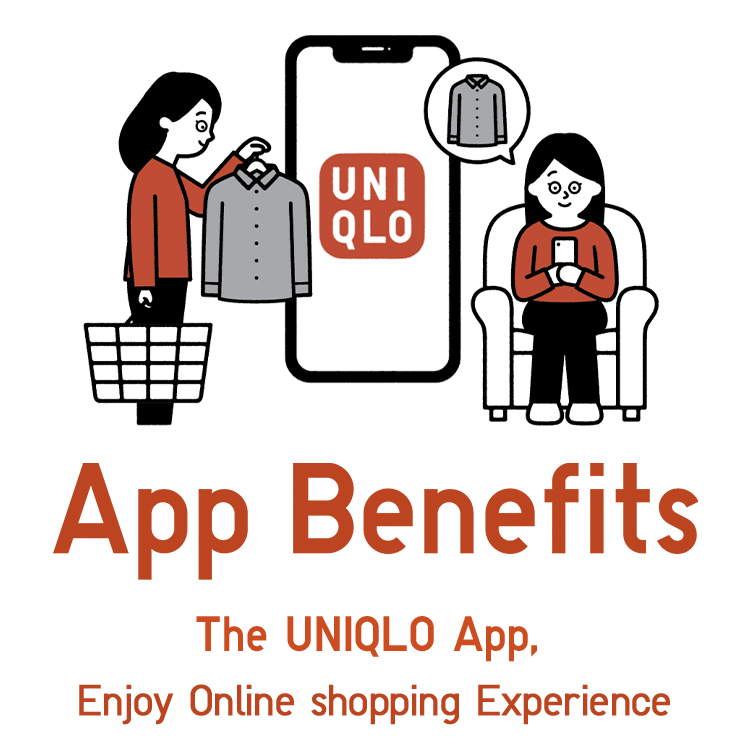
App Benefits
The UNIQLO APP, Enjoy Online Shopping Experiences
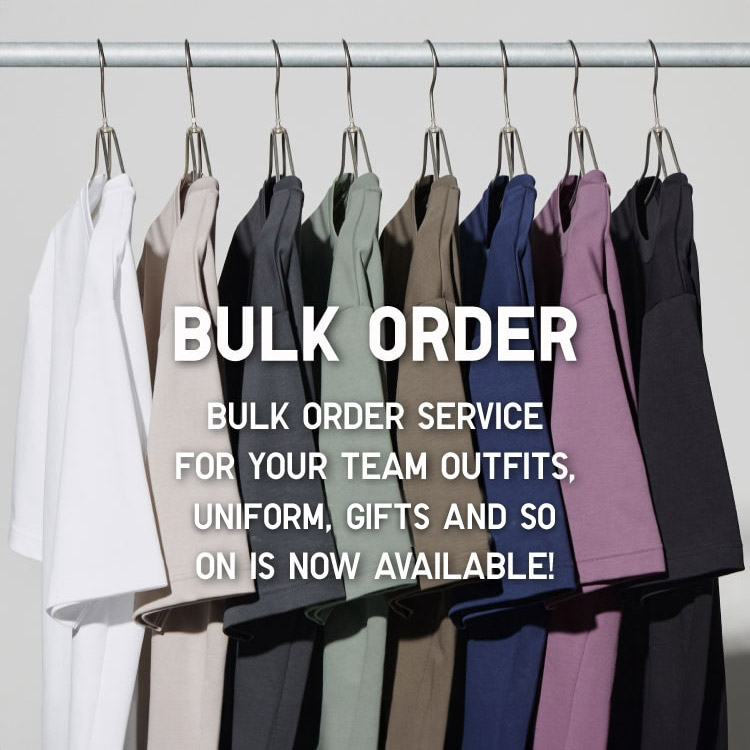
Bulk Purchase
We are welcome to make bulk purchase order for company's uniform or a gift for celabrate on festival
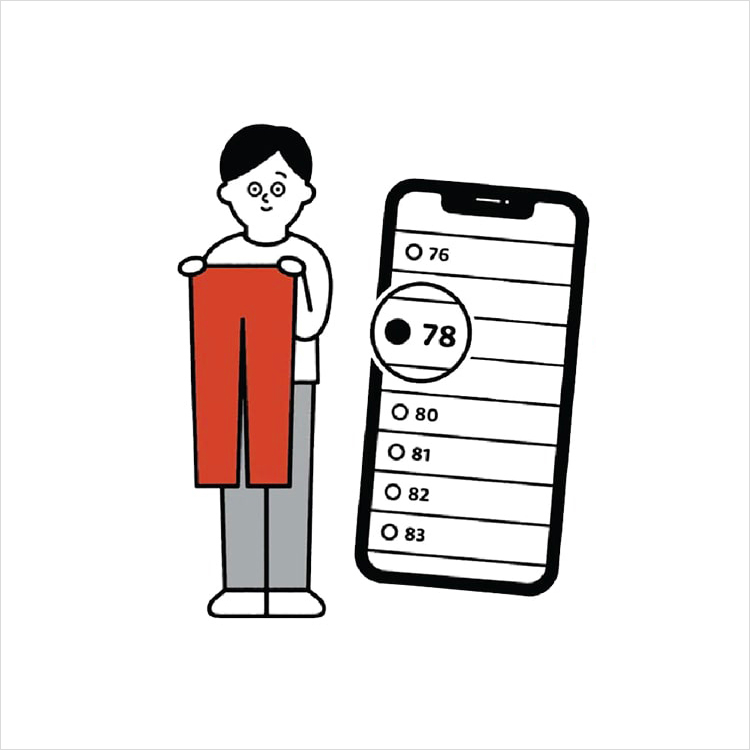
Online Alteration Service
We offer alteration to assist you both of item which purchased from store or online store. Please bring the items with the original receipt or the original tax invoice, contact any branch near home for getting the assistance