
UTme!
Contents
How to Order UTme!Product Information – Colors & Prices
Available Stores
Frequently Asked Questions (FAQ)
Step 1: Choose Your T-shirt
• You can view sample products and try on different sizes at the UTme! booth to select the size that fits you best.
Step 2: Design Your T-shirt at the UTme! Booth
• Design your T-shirt using the iPad provided by the store.
• You can freely choose the placement and size of stickers or images.
• You may use your own images or select stickers from the available collections.
• The latest collections can be viewed here.
Step 3: Review Design Guidelines
• If the design does not comply with UTme! guidelines, the store may not be able to proceed with printing.
• For personal images, we recommend consulting staff in advance regarding print feasibility.
• Customers can have staff review the image directly (recommended file formats: .JPEG or .PNG).
• Please ensure that all content and images used are original works and do not infringe on copyrights or intellectual property rights.
Step 4: T-shirt Printing
• Payment must be completed before printing begins.
• The average printing time for a UTme! T-shirt is approximately 20 minutes, depending on queue volume and store availability.
UTme! products are available only in white for both adults and kids.
Made from 100% cotton and printed using inkjet printing technology.
For accurate sizing, please visit the store for direct measurement assistance.
Adult T-shirts
• Color: White [WHITE] only
• Short-sleeve T-shirt: 590 THB
• Available sizes: XS – XXL
Kids’ T-shirts
• Color: White [WHITE] only
• Short-sleeve T-shirt: 390 THB
• Available sizes: 100 – 160 cm
UTme! Tote Bags
• Color: Off White [OFF WHITE] only
• Regular size: 790 THB
• Mini size: 390 THB
UTme! service is available only at the following branches [Click to present location and phone number]:
- CentralWorld
- ICONSIAM
- Mega Bangna
- Zpell & Future Park
- Roadside Pattanakarn
- Central Park
- EmQuartier
- Paragon
- Central Westgate
1. Can I use my own design for UTme! printing?
Yes, you can. However, please ensure that your design does not contain prohibited content.
If it does not meet the guidelines, the store may refuse to print it.
Prohibited content (Third-party rights infringement):
• Names, photographs, or likenesses of celebrities, public figures, or copyrighted characters
• Photos of identifiable individuals
• Names, brands, logos, or trademarks of well-known companies or brands
Inappropriate content includes:
• Offensive, obscene, or vulgar language or imagery
• Content that may cause discomfort, disgust, or anxiety
• Content that may defame or harm third parties
• Content that violates public morals
• Political content
• Any other content deemed inappropriate by the company
2. Can UTme! products be returned or exchanged?
UTme! products are non-returnable and non-exchangeable.
Please check your size carefully and consult staff before printing.
3. How can I submit my own design for UTme!?
Customers can scan the QR code at UTme! service locations to upload their own images.
4. What image or design file formats are supported?
We recommend using JPEG or PNG files for UTme! printing.
5. Can I print NFT images on UTme! products?
No. The company strictly does not allow printing of Non-Fungible Tokens (NFTs).
6. Can I print designs on the back of the T-shirt?
UTme! service supports printing on the front of the T-shirt only.
7. Recommended Washing & Care Instructions for UTme! T-shirts
• Turn the T-shirt inside out before washing to reduce friction on the print
• Wash in cold or low-temperature water
• Wash separately from dark-colored clothing
• Use mild detergent
• Air-dry in the shade; avoid direct sunlight
• Avoid ironing directly over the printed area
• Avoid dry cleaning, bleaching, hot water washing, and tumble drying
• Do not fold or store the T-shirt with printed surfaces pressed directly together
8. How long does T-shirt printing take?
Printing takes approximately 20 minutes per piece, depending on the daily queue.
We recommend contacting the store in advance for more information.
Contact UNIQLO Thailand
 CHAT SUPPORT
Monday - Sunday: 9am - 6pm
(Including Public Holidays)
Monday - Sunday: 9am - 6pm
(Including Public Holidays)
Related services

App Benefits
The UNIQLO APP, Enjoy Online Shopping Experiences
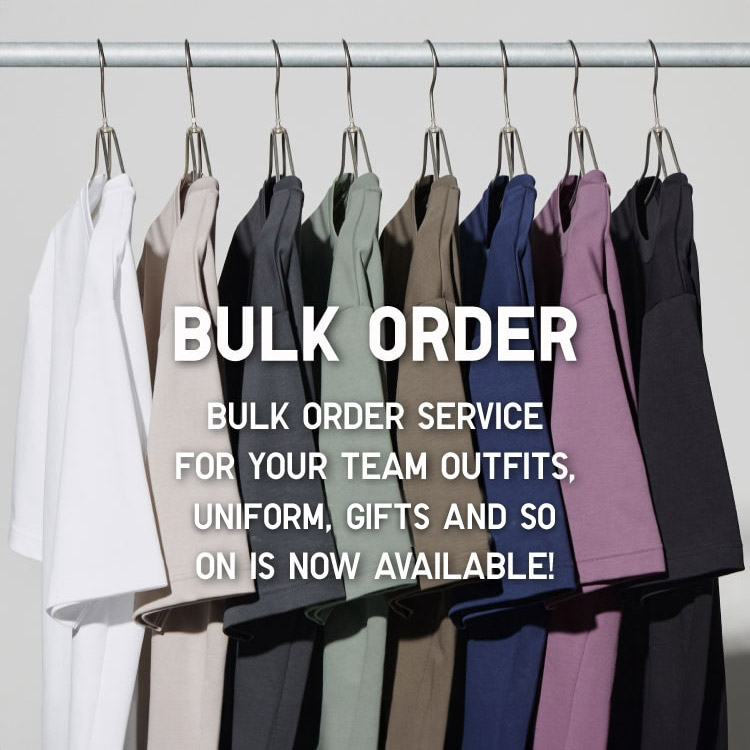
Bulk Purchase
We are welcome to make bulk purchase order for company's uniform or a gift for celabrate on festival
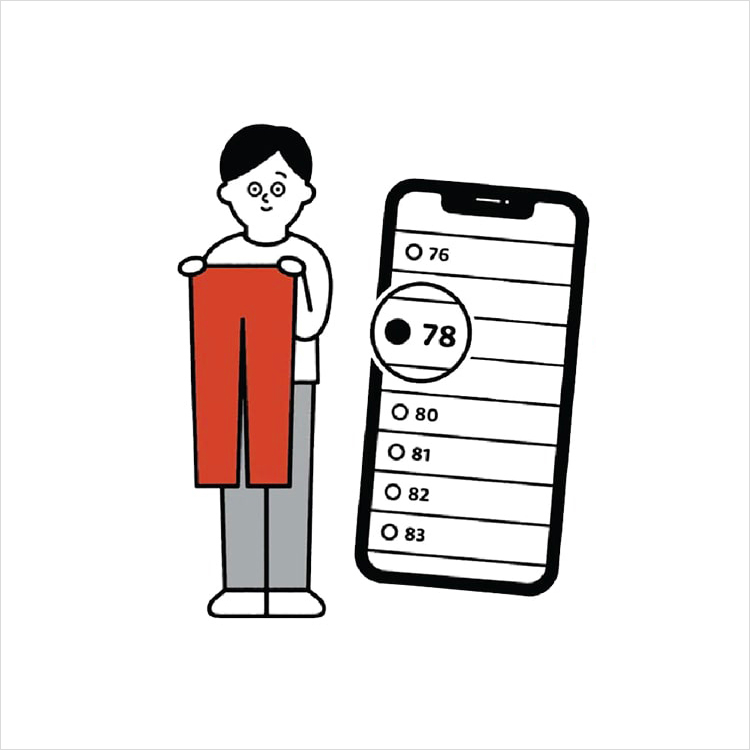
Online Alteration Service
We offer alteration to assist you both of item which purchased from store or online store. Please bring the items with the original receipt or the original tax invoice, contact any branch near home for getting the assistance