
Click & Collect | I Did Not Receive a Pickup Email. What Should I Do?
If you have not received an email or QR Code notification for order pickup,
we recommend checking your order status via "Order History".
Order Status Explanation:
• 【Arrival Waiting】 = Your order is being packed and is awaiting shipment to the selected store.
• 【Ready for Pickup】 = Your order has arrived and is ready for pickup at the store.
• 【Received Complete】 = Your order has already been successfully picked up at the store.
Please refer to the details below for how to check your order status online and how to pick up your order.
• Log in to your online account via the UNIQLO app or website.
• Tap the profile (person) icon at the bottom right corner.
• Select 【My Orders】.
• Choose the order you wish to check.
• If the status shows 【Ready for Pickup】, you may visit the store to collect your item(s).
(Example)
• Visit the selected store after receiving the email with a QR Code or when your order status changes to “Ready for Pickup”.
• Queue at the Click & Collect counter and show your QR Code to the staff.
Important Notes
• Once your order is confirmed, the pickup store cannot be changed, and home delivery cannot be requested.
• We recommend bringing your own bag. Large orders may be packed in cardboard boxes. (Reusable paper or fabric bags are available for purchase in-store.)
• If the order is not picked up within 14 days after it arrives at the store, it will be automatically cancelled and refunded without prior notice.
• If you need to extend the pickup period or cancel your order, please contact the store branch directly. You can find store phone numbers here.
Contact UNIQLO Thailand
 CHAT SUPPORT
Monday - Sunday: 9am - 6pm
(Including Public Holidays)
Monday - Sunday: 9am - 6pm
(Including Public Holidays)
Related services
App Benefits
The UNIQLO APP, Enjoy Online Shopping Experiences
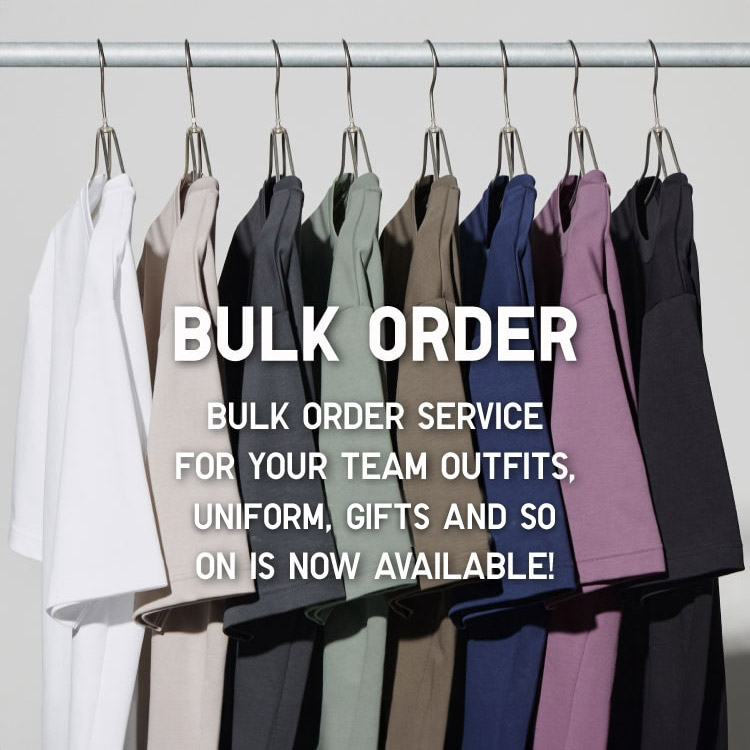
Bulk Purchase
We are welcome to make bulk purchase order for company's uniform or a gift for celabrate on festival
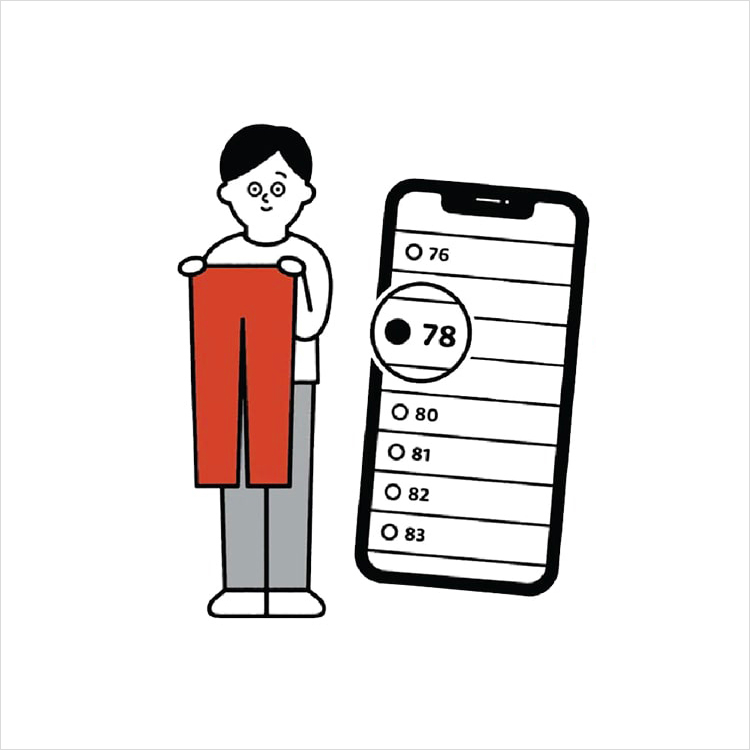
Online Alteration Service
We offer alteration to assist you both of item which purchased from store or online store. Please bring the items with the original receipt or the original tax invoice, contact any branch near home for getting the assistance