
About Email address Verification
Email Notifications from UNIQLO
For inquiries related to UNIQLO membership registration and online store orders, emails will be sent from the following addresses.
Please ensure that your email settings allow you to receive emails from these domains.
- noreply-enews@mail.th.uniqlo.com
- order@mail.uniqlo.co.th
- noreply@fastretailing.com
- enews@thailand.uniqlo.com
UNIQLO will contact customers from the following email addresses depending on the purpose of use.
Regarding Membership
Notifications for membership registration, changes to member information, membership cancellation, and password reset.
Email address: noreply-enews@mail.th.uniqlo.com
Regarding Orders
Notifications for order confirmation and shipping or delivery status.
Email address: order@mail.uniqlo.co.th
Regarding Mail Magazine (Email Newsletters)
Subscription, changes, or cancellation of email newsletters.
enews@thailand.uniqlo.com
UNIQLO promotional newsletters.
enews@thailand.uniqlo.com
Other Notifications
Back-in-stock notification emails.
enews@thailand.uniqlo.com
Emails from the Customer Service / Customer Center.
customerservice@uniqlo.co.th
If you do not receive an email, please check the possible reasons below.
-
Spam / Junk Mail Settings
Even if you have not personally set up spam blocking, your email provider may have default spam filters enabled. Emails containing URLs may be identified as spam.
- Please check your Spam or Trash folders.
- Please check your email filter or spam settings.
-
Spoofed / Fake Email Rejection Settings
A spoofed email is an email with a falsified sender address. If the system detects a suspicious email, it may be automatically rejected.
Please disable the “Reject spoofed emails” function and try receiving the email again.
-
Check Whether Your Registered Email Address Is Correct
Please confirm that the email address registered on the Member Information page is correct.
- Consecutive dots, such as ...
- A dot immediately before the @ symbol, such as .@
- Characters other than . ! # $ % & ’ * + – / = ? ^ _ { | } ~
-
Check Email Receiving Status
- There may be delays due to server issues. Please refresh your inbox.
- Check whether the email has been sorted into the spam folder.
- Check whether your mailbox storage is full.
- You can check your order details and status in [Purchase History].
- Even if you do not receive an email, delivery will not be affected as long as the order appears in your purchase history.
- If you selected In-store Pickup at UNIQLO, please check the pickup instructions separately.
- If you change your email address after placing an order, order-related emails will not be sent to the new email address.
- Resending order emails is not supported.
- If email newsletters are rejected multiple times, the system will automatically stop sending them.
Contact UNIQLO Thailand
 CHAT SUPPORT
Monday - Sunday: 9am - 6pm
(Including Public Holidays)
Monday - Sunday: 9am - 6pm
(Including Public Holidays)
Related services
App Benefits
The UNIQLO APP, Enjoy Online Shopping Experiences
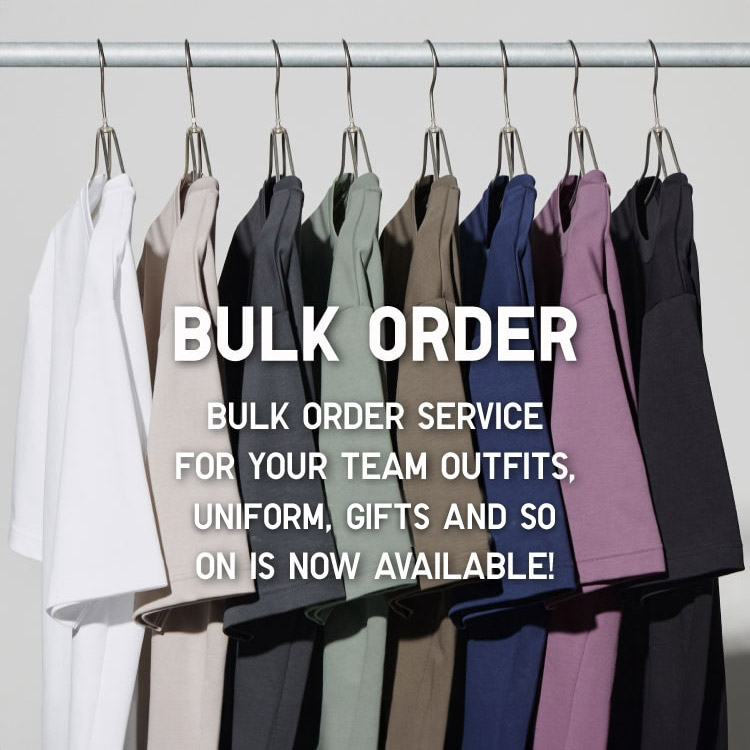
Bulk Purchase
We are welcome to make bulk purchase order for company's uniform or a gift for celabrate on festival
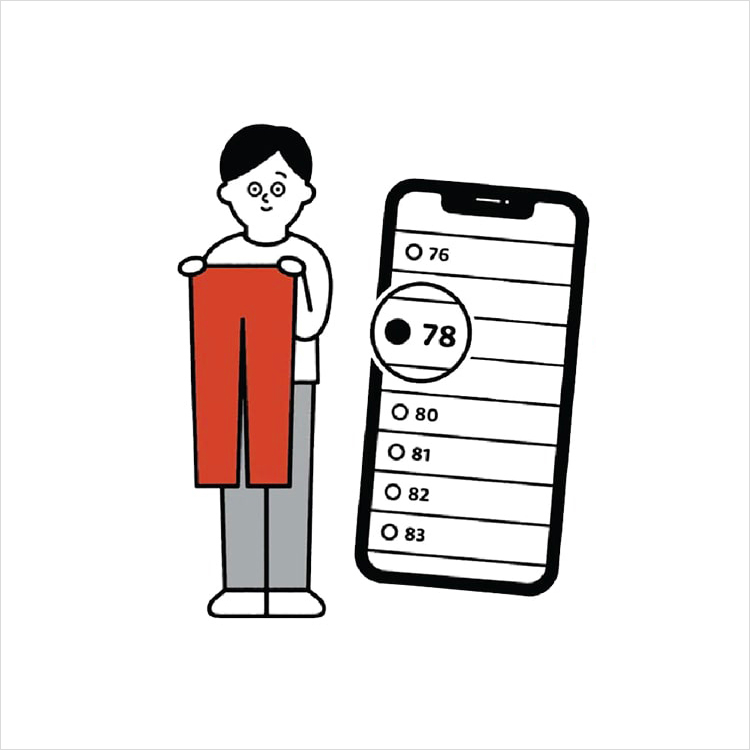
Online Alteration Service
We offer alteration to assist you both of item which purchased from store or online store. Please bring the items with the original receipt or the original tax invoice, contact any branch near home for getting the assistance