
About Purchase History
Customers can view details of previously purchased items through their Purchase History, including both online purchases and in-store purchases that have been successfully recorded in their purchase history.
*Purchased items cannot be removed from the purchase history.
For each online order, customers can view order details such as:
Purchased items, order status, delivery company, etc.
When information is updated
- Online order details: Displayed immediately after the order is completed
- Delivery details: Displayed after the items have been prepared for shipment
How to View Purchased Items
- Tap [Member].
- Sign in to your account and Go to [Purchase History].
- Select [Online] and choose the order you wish to view.
- Tap [Details] to view the purchased items.
For purchases made at a store, product details will appear in the purchase history only if the member barcode was scanned while logged in at the time of payment.
How to Record In-Store Purchases
-
Please present the membership barcode from the application at the time of payment.
*Purchase records cannot be added after payment is completed.
When information is updated
- By the day after the purchase date
The Product List displays products purchased through both online orders and in-store purchases.
How to View Purchased Items
- Tap [Member].
- Sign in to your account and Go to [Purchase History].
- Select [Purchased Items] to view previously purchased items.
Contact UNIQLO Thailand
 CHAT SUPPORT
Monday - Sunday: 9am - 6pm
(Including Public Holidays)
Monday - Sunday: 9am - 6pm
(Including Public Holidays)
Related services

App Benefits
The UNIQLO APP, Enjoy Online Shopping Experiences
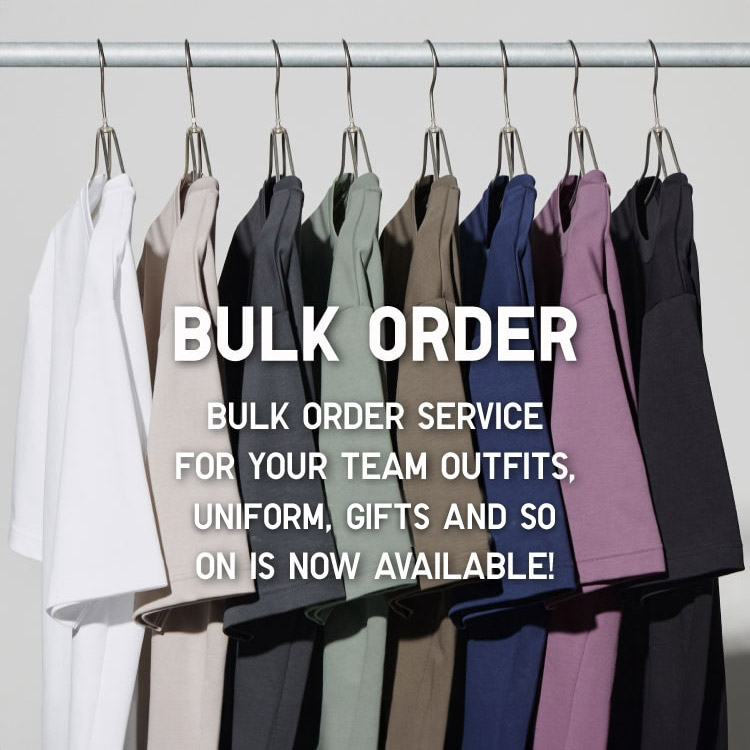
Bulk Purchase
We are welcome to make bulk purchase order for company's uniform or a gift for celabrate on festival
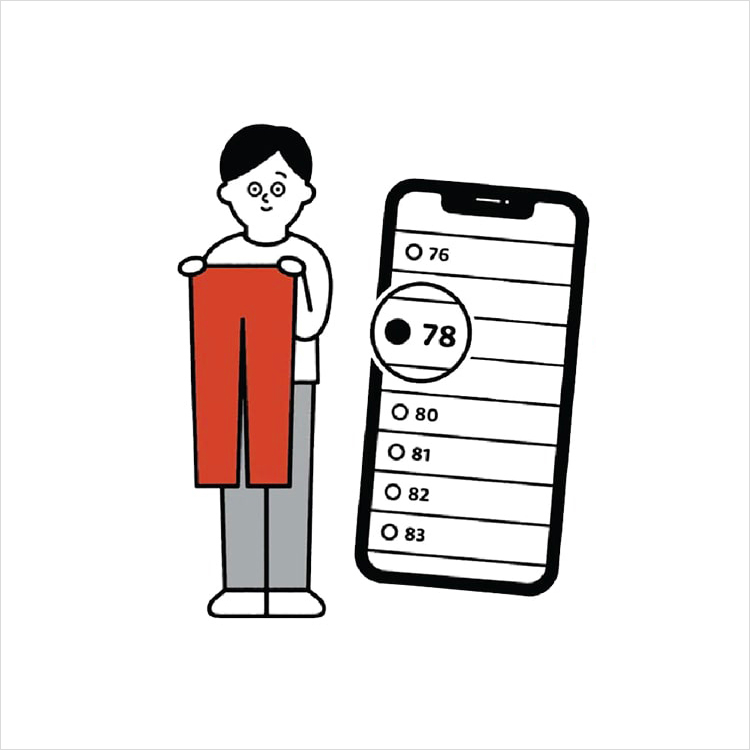
Online Alteration Service
We offer alteration to assist you both of item which purchased from store or online store. Please bring the items with the original receipt or the original tax invoice, contact any branch near home for getting the assistance