
About Check Stock Availability & Restock Notifications
Topic
Back in Stock Notification – NOTIFY ME
Frequently Asked Questions
You can search for products online using the search bar or by browsing through categories.
To use the search bar, simply enter the product name or the 6‑digit product code >> How to find the 6‑digit product code
-
How to Check Stock Availability – Online Store
• To check stock status in the online store, select a color and size to view availability.
• If the product is out of stock, the color or size will appear in grey and cannot be added to the cart.
• If the product has not yet been released, all sizes will appear in grey and cannot be added to the cart.
The system will also display the estimated launch date of the product.
-
How to Check Stock Availability – Physical Store
• Please click this link to view detailed instructions on how to check product availability in-store
>> How to check product availability in-store
**Back in stock notifications are not available for physical store inventory.
If the product you want is out of stock, you can stay updated on your favorite items with UNIQLO’s newest feature.
When an item is out of stock, the “Add to Cart” button will change to a “Notify Me” button.
【How to Use】
1. Select your preferred color and size.
2. Click the “Notify Me” button.
3. Log in to your UNIQLO account or create a new one.
*Login is required to receive back in stock notifications.
4. Click the “Register” button to subscribe.
5. A confirmation screen will appear stating “Back in Stock Setting Complete”.
Note: Notifications will only be sent if the item is restocked within 120 days.
1. How can I enroll in the “Notify Me” service for products that cannot be found on the website?
In general, products that cannot be found on the website are unlikely to be restocked, as they may already be out of season.
However, we regularly update our inventory with seasonal items. We recommend using the search bar on the UNIQLO website to check whether there is a new version of the product with a new Product ID.
2. How can I enable UNIQLO App push notifications?
You can enable or disable UNIQLO App push notifications in your device settings.
For detailed steps, click here for a step-by-step guide.
Contact UNIQLO Thailand
 CHAT SUPPORT
Monday - Sunday: 9am - 6pm
(Including Public Holidays)
Monday - Sunday: 9am - 6pm
(Including Public Holidays)
Related services
App Benefits
The UNIQLO APP, Enjoy Online Shopping Experiences
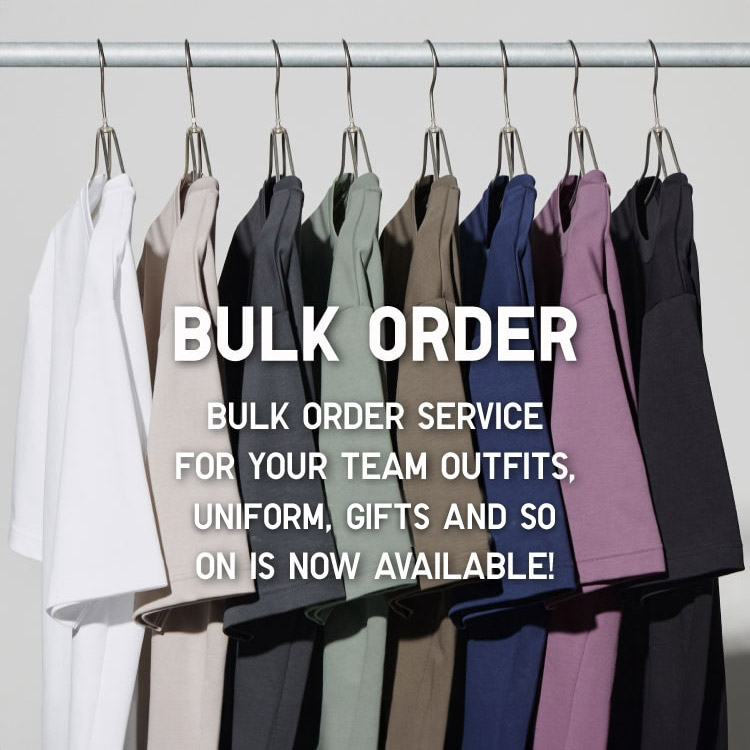
Bulk Purchase
We are welcome to make bulk purchase order for company's uniform or a gift for celabrate on festival
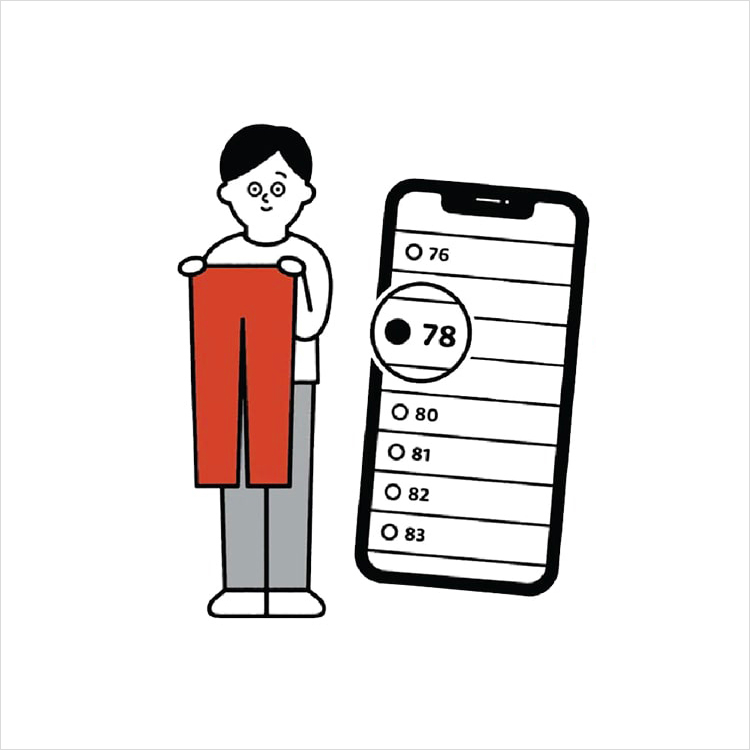
Online Alteration Service
We offer alteration to assist you both of item which purchased from store or online store. Please bring the items with the original receipt or the original tax invoice, contact any branch near home for getting the assistance