
How to Check the Product ID
You can easily locate a product using its Product ID (Item Code – 6 digits) via the UNIQLO App or website. Simply tap the search icon and enter the Product ID in the search field. The relevant product will then be displayed.
The Product ID can be found on the product tag or on the product page on our website or application.
Please refer to the guide below for detailed instructions on how to check the Product ID.
*How to Check from the Product Tag / Care Label
*How to Check from the Product Page on the Website or Application
*How to Check from Purchase History
*Q&A
The 6-digit number shown inside the red frame below is the Product ID.
※ In some cases, the Product ID may be printed directly on the product.
Example: Product Tag
Example: Care Label
On each product page, the 6-digit number displayed in the product images or under the “About This Product” section is the Product ID.
Please log in to your member account and access Purchase History. The Product ID will be displayed inside the red frame as shown below.
For products purchased from both physical stores and the online store (list view)
For products purchased from the online store (order-by-order view)
-
Q. How can I search for a product using the Product ID?
A. Tap the search (magnifying glass) icon at the top of the online store, then enter the Product ID in the search field to find the product.
※ Products that are no longer available for sale cannot be searched.
Contact UNIQLO Thailand
 CHAT SUPPORT
Monday - Sunday: 9am - 6pm
(Including Public Holidays)
Monday - Sunday: 9am - 6pm
(Including Public Holidays)
Related services

App Benefits
The UNIQLO APP, Enjoy Online Shopping Experiences
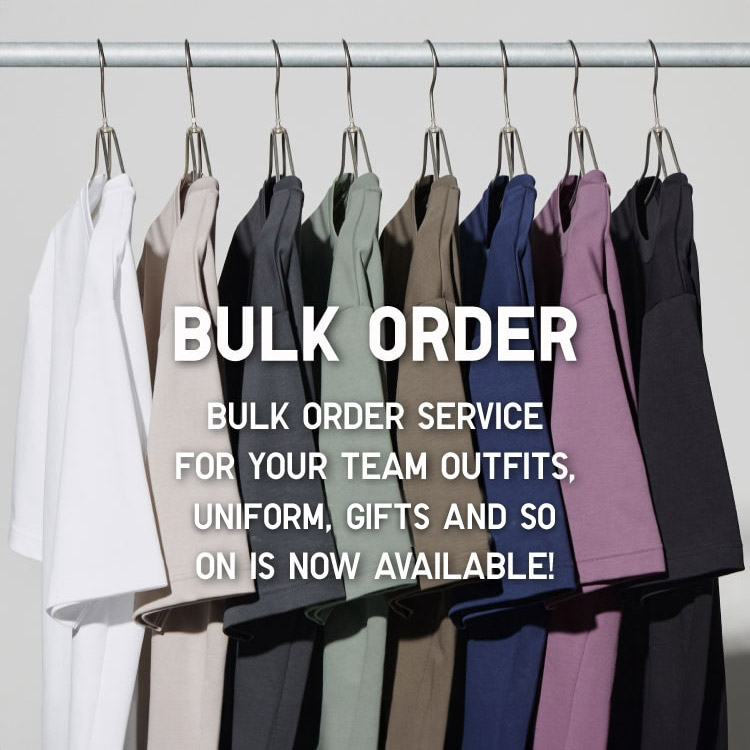
Bulk Purchase
We are welcome to make bulk purchase order for company's uniform or a gift for celabrate on festival
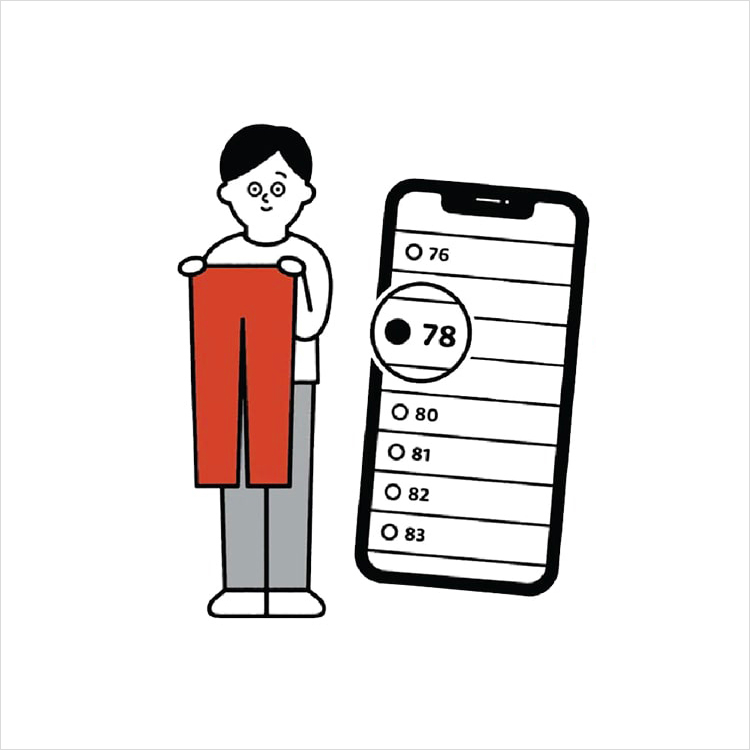
Online Alteration Service
We offer alteration to assist you both of item which purchased from store or online store. Please bring the items with the original receipt or the original tax invoice, contact any branch near home for getting the assistance