
Membership Cancellation | Online Store Member and App Member
Membership Cancellation and Impact on Your Account
As the same membership account can be used on both the UNIQLO application and the website,
once you cancel your membership, your membership information will be deleted and all linked services on both the app and the website will no longer be available.
Please note that after cancelling your membership, the following data cannot be restored:
-
• Purchase history
-
• Favorites
-
• Coupons and other related benefits
How to Cancel Membership via the Application
-
• Tap the person icon [Membership] at the bottom right of the application.
-
• Select [Profile] and Log in.
-
• Select [Withdrawal from App Membership].
-
• In the pop-up window, select [OK]. ※ You will be redirected to the Online Store membership cancellation page.
-
• Review the precautions and agree to the Membership Cancellation Terms, then select [Cancel].
-
• On the cancellation confirmation screen, tap [Cancel Membership] ※ A membership cancellation confirmation email will be sent to your registered email address.
Contact UNIQLO Thailand
 CHAT SUPPORT
Monday - Sunday: 9am - 6pm
(Including Public Holidays)
Monday - Sunday: 9am - 6pm
(Including Public Holidays)
Related services
App Benefits
The UNIQLO APP, Enjoy Online Shopping Experiences
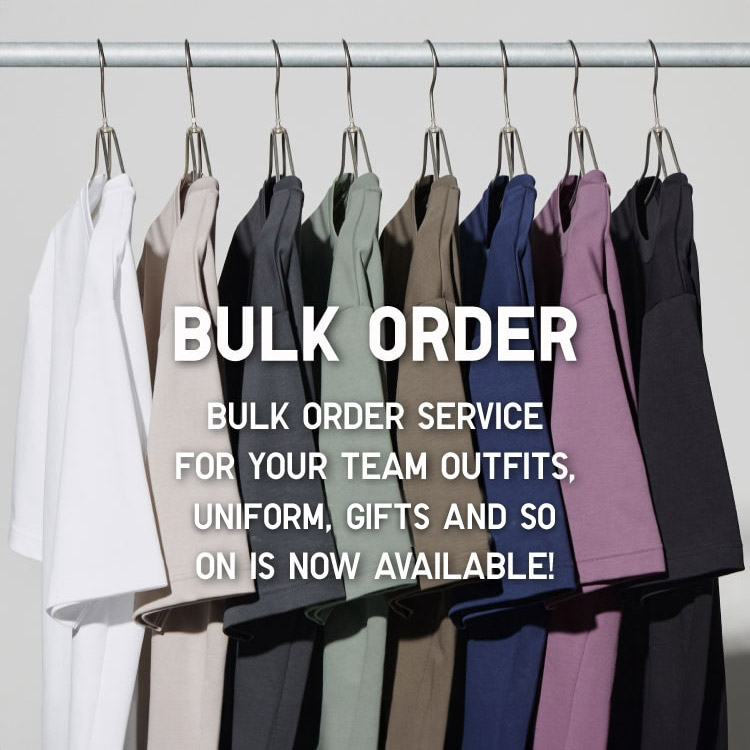
Bulk Purchase
We are welcome to make bulk purchase order for company's uniform or a gift for celabrate on festival
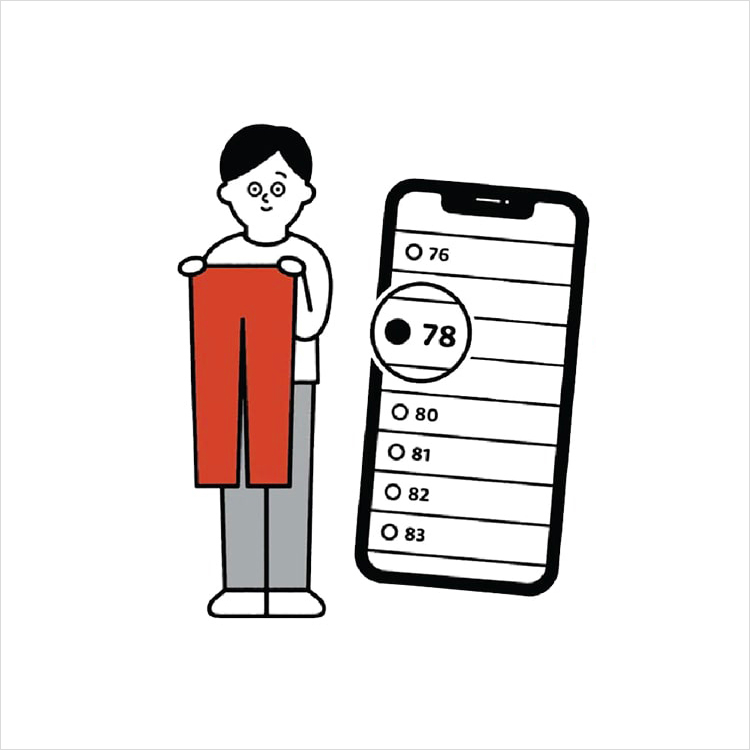
Online Alteration Service
We offer alteration to assist you both of item which purchased from store or online store. Please bring the items with the original receipt or the original tax invoice, contact any branch near home for getting the assistance