
How to Complete the Bulk Purchase Order Form
Thank you for your interest in placing a bulk order with UNIQLO.
To help our team check product availability and get back to you as quickly as possible, please prepare the required information and fill out the form following the guidelines below.
*Please note: Submitting this form only indicates your intention to place an order. It does not lock in the price, confirm the order, or reserve any items. Our team will check product availability and contact you to reconfirm the details.
- Contact person's full name.
- UNIQLO App membership ID (If any)
- Company or organization name, tax identification number, and address for issuing documents.
- Product details: product code, color, size, and quantity.
- Preferred collection method: store pickup or delivery.
- Preferred delivery or collection date.
- Payment method (We currently accept only credit/debit cards and bank transfers.)
Please fill out the bulk purchase form here >> Order Form
-
1.Instructions for completing the "Customer Information" field
Enter the required information, including your first and last name, phone number, email address, company name, and purpose of purchase. This information will be used to issue documents and contact you.
For the UNIQLO App Membership ID field, enter a hyphen (-) if you do not have one.📜 Click here to see how to find your Membership ID
-
2. Instructions for completing the "Delivery & Payment Information" field
As delivery is free of charge, we recommend selecting [Ship to Address] and entering the address where you would like the items delivered. Please also specify your [Delivery Address]. *Standard delivery typically takes 3-5 working days after successful payment confirmation.
-
3. Instructions for completing the "Order" field (How to enter the product code)
Select [Add Product], then enter the product details: product code, color, size, and quantity.
How to Find Product Information on the Website, App, or Price Tag📜 Click here to see how to find products on the website
Go to the product page for the item you would like to order on the UNIQLO Thailand website.
📜 Click here to see how to find products on the application
📜 Click here to see how to find the product code from the price tag
-
4. Instructions for completing the "Special Note" field
You may include any additional requests, such as:- A quotation for consideration only. The quotation will not specify sizes.
- Documents required to register UNIQLO as a vendor.
- Any other special requests or additional information.
Contact UNIQLO Thailand
 CHAT SUPPORT
Monday - Sunday: 9am - 6pm
(Including Public Holidays)
Monday - Sunday: 9am - 6pm
(Including Public Holidays)
Related services
App Benefits
The UNIQLO APP, Enjoy Online Shopping Experiences
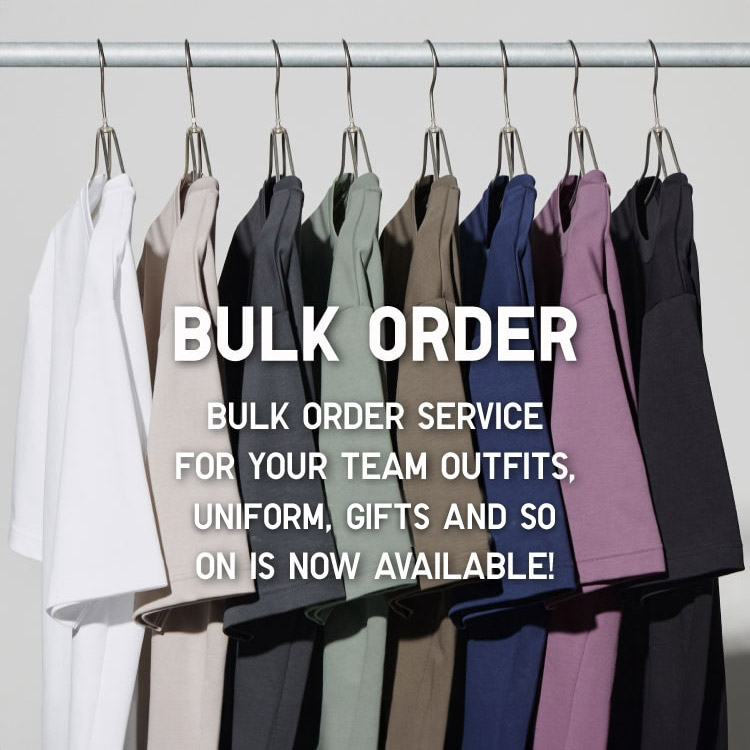
Bulk Purchase
We are welcome to make bulk purchase order for company's uniform or a gift for celabrate on festival
Online Alteration Service
We offer alteration to assist you both of item which purchased from store or online store. Please bring the items with the original receipt or the original tax invoice, contact any branch near home for getting the assistance