
How to Register UNIQLO Application
To shop on the Online Store or receive coupons, you need to register as a UNIQLO member.
The same membership can be used across the UNIQLO online store on the website and the UNIQLO application, using the same email address.
Table of contents
* What you can do when you register
* Registration procedure
* Q&A
By registering as a UNIQLO member, you can enjoy the following benefits:
- Receive new member and birthday coupons
- View your purchase history in one place
- Participate in product monitoring activities
- Enjoy full access to the UNIQLO mobile application
You may register via the UNIQLO website or the UNIQLO application.
Method 1: Register via UNIQLO Thailand Mobile Application
- Download and install the UNIQLO App from the App Store or Google Play.
- Open the app and tap the human icon at the bottom right.
- Select “Create an account”.
- Enter the required information:
- Email address
- Password (8–20 characters, must contain both letters and numbers)
The following symbols can be used: !"#$%&'()*+,-./:;<=>?@[]^_`{}|~ - Postal Code
- Birthday (unable to edit after registration)
- Click “Preview” and then “Send Verification Code”. A 6‑digit verification code (OTP) will be sent to your registered email address. *If you did not receive the verification email, please click here.
- The verification code is valid for 30 minutes and can be used only once.
- Please do not close the verification code entry screen.
Method 2: Register via UNIQLO Website
- Visit: https://www.uniqlo.com/th/en/account/registry
- Enter the required information:
- Click “Register” and then “Send Verification Code”. A 6‑digit verification code (OTP) will be sent to your registered email address. *If you did not receive the verification email, please click here.
- Enter the verification code on the registration screen and click “Next” to complete registration.
- Log in to the online store and register your name, address, and other details for purchasing.
-
Q. I cannot register because it says that the email address I entered is already registered.
A. Please reset your password.If you do not remember registering, please contact our customer center via customerservice@uniqlo.co.th.
-
Q. I haven't received the verification code and I can't verify my email address.
A. If you are unable to authenticate your email address, please check here. -
Q. “Please enter your email address correctly.” is displayed.
A. This message appears when full‑width characters or spaces are included, or when the domain is not entered correctly. Please enter a valid email address again. -
Q. An error message such as “Please enter XX” is displayed in red.
A. An error message will be displayed for any fields that are not entered correctly. Please check the message and enter the information again. -
Q. “The text contains characters, symbols, and spaces that cannot be used.” is displayed.
A. Environment‑dependent characters, device‑dependent characters (circled numbers, Roman numerals, emojis), symbols, and spaces cannot be used.
Contact UNIQLO Thailand
 CHAT SUPPORT
Monday - Sunday: 9am - 6pm
(Including Public Holidays)
Monday - Sunday: 9am - 6pm
(Including Public Holidays)
Related services
App Benefits
The UNIQLO APP, Enjoy Online Shopping Experiences
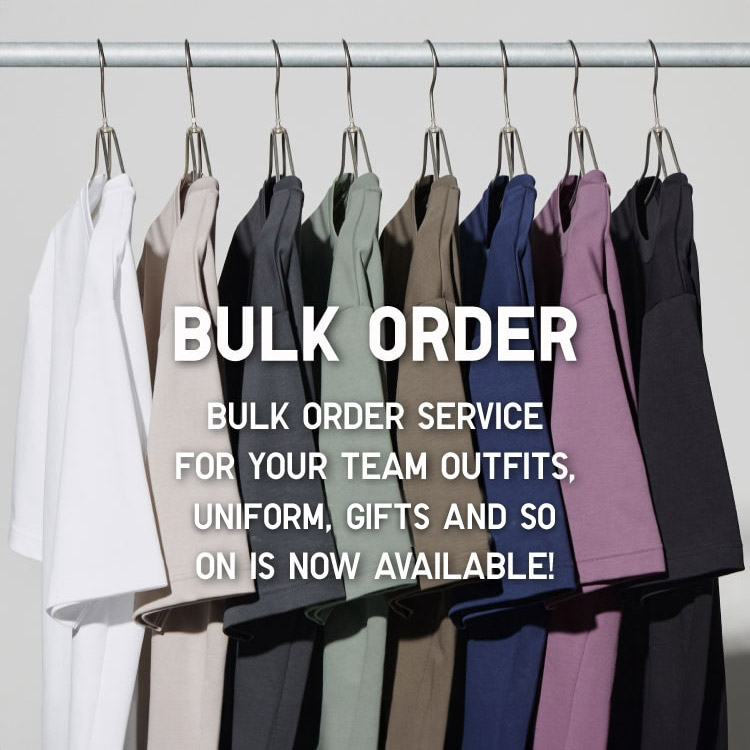
Bulk Purchase
We are welcome to make bulk purchase order for company's uniform or a gift for celabrate on festival
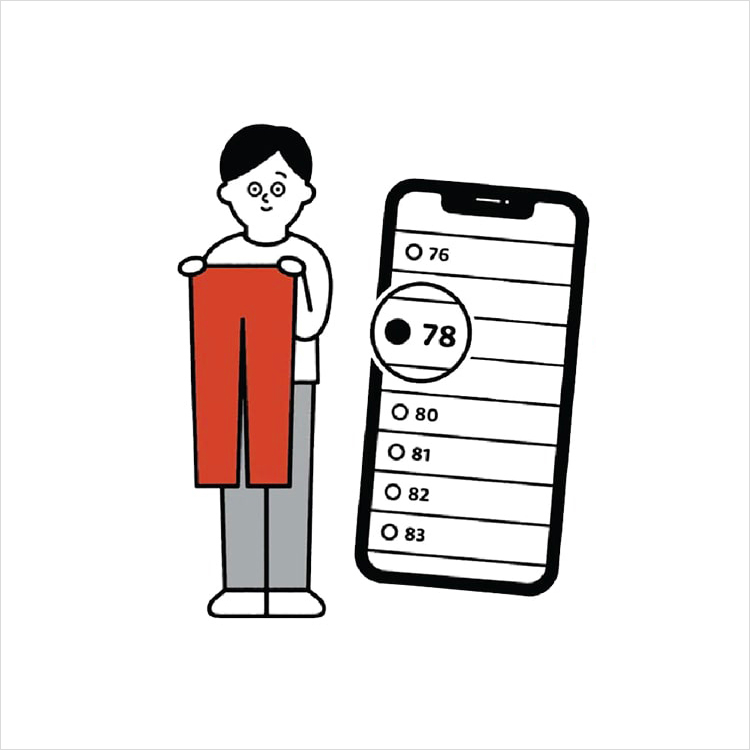
Online Alteration Service
We offer alteration to assist you both of item which purchased from store or online store. Please bring the items with the original receipt or the original tax invoice, contact any branch near home for getting the assistance