
How to check/compare the size chart
The size of the product may vary depending on the design and concept of each UNIQLO item,
even if it is labeled as the same size or is the same product name but produced or imported in different batches. Please check the size chart on each product page to ensure accuracy.
Table of contents
*How to check the size chart
*How to compare product sizes with the desired product.
*Useful functions for choosing a size
How to check the size chart
Product sizes may vary by model. Please check the size before placing your order.
1. Tap “Check My Size” on each product page and select “Size Chart.”
2. Tap the size you want to check to view the size chart.
*You can switch between “cm” and “inch.”
*The product dimensions are measured when laid flat.
Check how to measure each type of product at this link >> About how to measure.
Compare product sizes with the desired product
-
1. Compare product sizes with products you have previously purchased.
You need to log in to use this feature, and it is only available for products within the same category. Any previously purchased items will appear automatically once you are logged in.
-
2. Compare sizes with the product you want to check
Size comparison is only available for products currently on sale. Here’s how to do it:
1. Click “Add Other Items” under the section “You can add up to 20 items for size comparison.”
2. Select a product from the recommended items or type to search for a product yourself.3. Select the size you want to compare and click “Apply” >> “Return to Size Chart”
4. Check under the section “Compare measurement”
You can add up to 20 products for size comparison.
Useful functions for choosing a size
We offer three types of size‑selection tools for our products.
Please check the information below.
1. MySize ASSIST: AI recommends the appropriate size
You can use MySize ASSIST, which utilizes AI to suggest sizes based on your height and body type.
By click “Check My Size” on each product page,
select “Size Chart.” and "MySize ASSIST"
Click here for more information about MySize ASSIST >> Click Here
*The recommended sizes are for reference only.
2. Length guide by height
Use this tool to check the wearing length.
Select your height and the product category you want to review, and the system will display the estimated length when worn.
By click “Check My Size” on each product page,
select “Size Chart.” and "Length guide by height"
Click here for more information about Length guide by height >> Click Here
3. Check customer reviews
You can view customer reviews in the “Reviews” section on each product page to compare size choices based on weight or height.
Contact UNIQLO Thailand
 CHAT SUPPORT
Monday - Sunday: 9am - 6pm
(Including Public Holidays)
Monday - Sunday: 9am - 6pm
(Including Public Holidays)
Related services

App Benefits
The UNIQLO APP, Enjoy Online Shopping Experiences
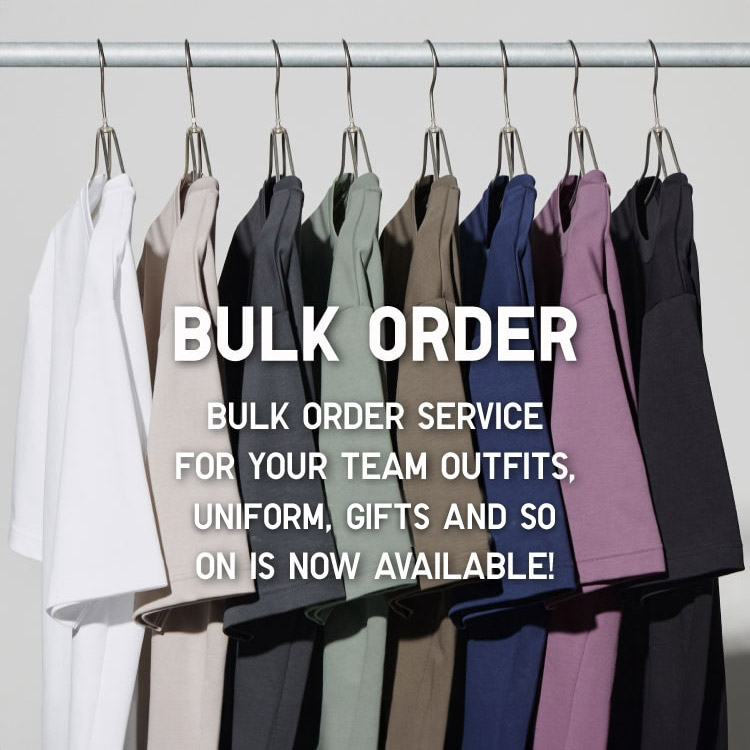
Bulk Purchase
We are welcome to make bulk purchase order for company's uniform or a gift for celabrate on festival
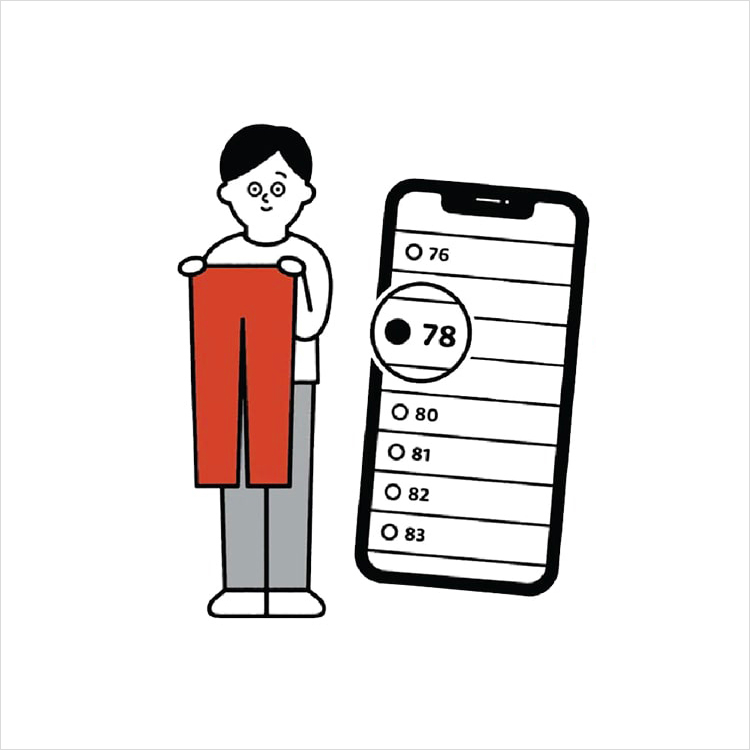
Online Alteration Service
We offer alteration to assist you both of item which purchased from store or online store. Please bring the items with the original receipt or the original tax invoice, contact any branch near home for getting the assistance