
How can I turn on the notification for the UNIQLO application on my mobile phone?
You can turn on notifications on your mobile phone to get the latest news depending on the phone's operating system.
For iOS - iPhone or iPad
1.Open “UNIQLO” application
2.Open “Membership” page and select “Settings”
3.Select “Location Sharing”
4.Select “Notifications”
5.Open “Allow Notifications”
6. Once opened, the button will be shown as in the picture below. Please wait to receive notifications and news updates from UNIQLO on your mobile phone!
For Android
1.Open “UNIQLO” application
2.Open “Membership” page and select “Settings”
3.Select “Location Sharing”
4.Select “Notifications”
5.Open “Allow Notifications”
6. Once opened, the button will be shown as in the picture below. Please wait to receive notifications and news updates from UNIQLO on your mobile phone!
Contact UNIQLO Thailand
 CHAT SUPPORT
Monday - Sunday: 9am - 6pm
(Including Public Holidays)
Monday - Sunday: 9am - 6pm
(Including Public Holidays)
Related services
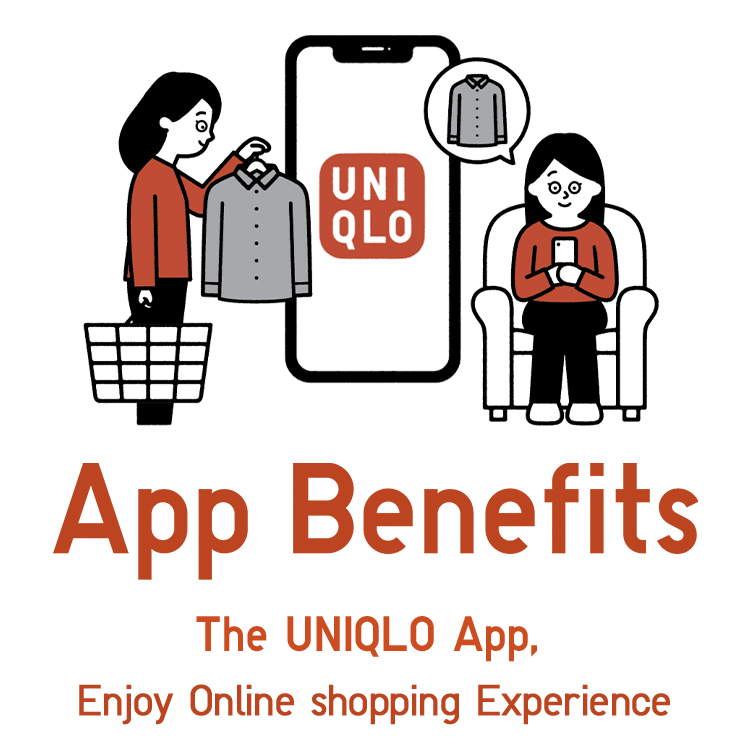
App Benefits
The UNIQLO APP, Enjoy Online Shopping Experiences
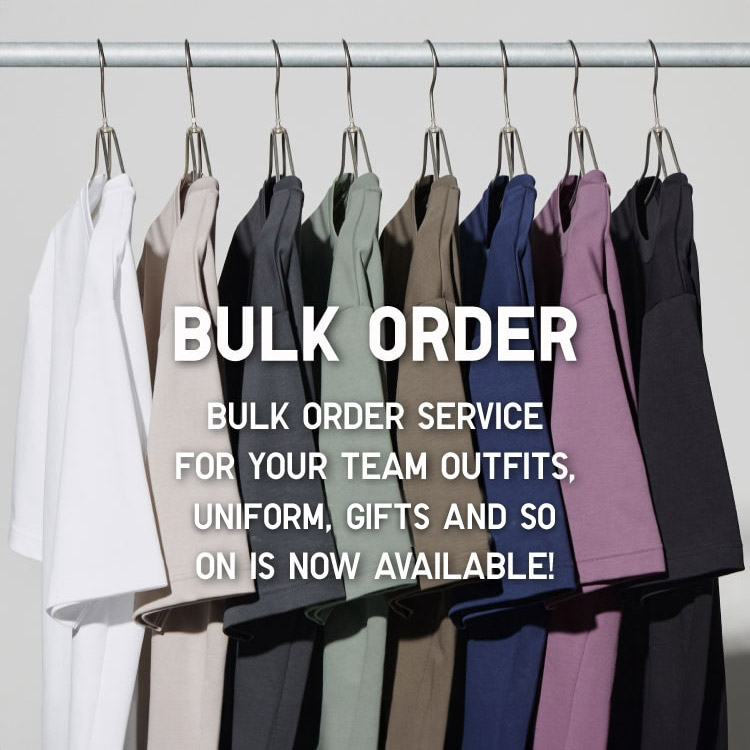
Bulk Purchase
We are welcome to make bulk purchase order for company's uniform or a gift for celabrate on festival
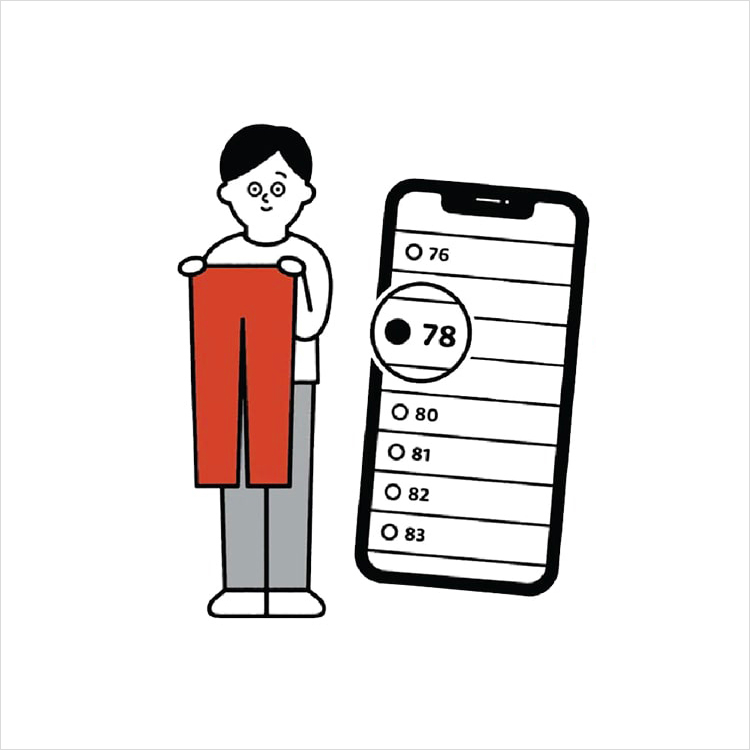
Online Alteration Service
We offer alteration to assist you both of item which purchased from store or online store. Please bring the items with the original receipt or the original tax invoice, contact any branch near home for getting the assistance