
Encountering an Error on the App or Website
If you encounter an error while using the UNIQLO application or website,
please review the symptoms and solutions listed below.
-
・Error Message: “An error has occurred. Please try again or try later.”
• This may be caused by a temporary network issue.
• Please check your internet connection and try placing the order again.※ If you are using the internet, there may be temporary internet service interruptions due to network maintenance.
Please check with your network provider for more details. -
・Error Message: “Service is currently unavailable” / “System Error”
<When using the app>
• Please update the app to the latest version.
• For Android users, please try clearing the app cache.
※ If the issue persists, please access the online store via a web browser such as Safari or Google Chrome.<When using the website (PC / smartphone)>
• Please try clearing cookies and cache, as error-related data may be stored in your browser.
• If the issue still occurs, we recommend switching to another browser (e.g., from Safari → Google Chrome). -
・Error Message: “502 Bad Gateway” / “504 Gateway Time-out”
If the order does not appear in “Order History”, please check the items in your shopping cart and place the order again.
-
・Unable to Remove Items from the Shopping Cart
Please tap the “Delete” button located below the product information.
If you are still unable to remove the item, please check the following:
※ An expired coupon may be applied in the cart → Please remove the coupon first, then delete the item.
※ Cached data may be stored → Please try clearing the cache and try again.
-
・Order Automatically Cancelled
• Please check the relevant information page for further details. >> About Automatic Order Cancellation
-
・Did Not Receive Order Confirmation Email / Order Not Found in “Order History”
• If you did not receive the confirmation email but the order appears in “Order History”
→ Delivery will not be affected. Please wait for your items to arrive.
• If you do not see the order in “Order History”
→ Please check the items in your shopping cart and place the order again.
※ If the issue cannot be resolved after following the steps above, please take a screenshot of the error or provide details of the issue and contact us at customerservice@uniqlo.co.th
Contact UNIQLO Thailand
 CHAT SUPPORT
Monday - Sunday: 9am - 6pm
(Including Public Holidays)
Monday - Sunday: 9am - 6pm
(Including Public Holidays)
Related services

App Benefits
The UNIQLO APP, Enjoy Online Shopping Experiences
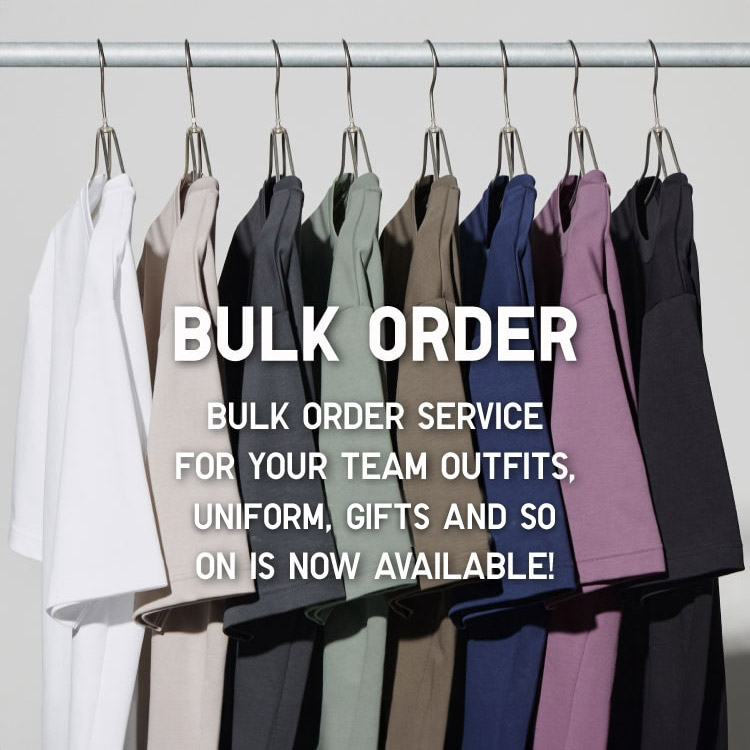
Bulk Purchase
We are welcome to make bulk purchase order for company's uniform or a gift for celabrate on festival
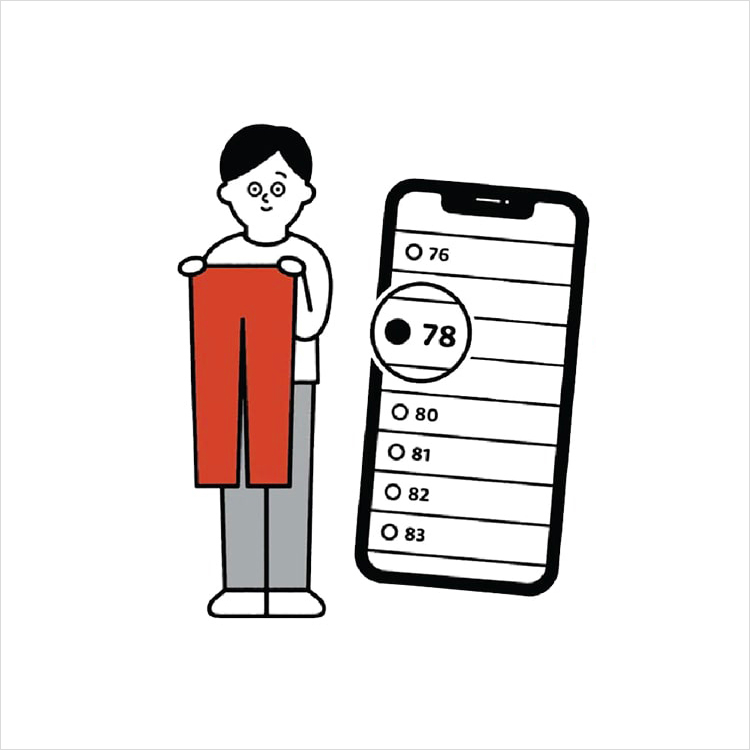
Online Alteration Service
We offer alteration to assist you both of item which purchased from store or online store. Please bring the items with the original receipt or the original tax invoice, contact any branch near home for getting the assistance