
Store | Stock
You can check the store stock availability from each product detail page.
Please follow the steps below to check the stock status.
1.Select the desired color and size, then click [Search other stores].
📜 Click here to see an example
2.Search for a store under [Store List] by entering a postal code, address, or store name.
※ If you would like to change the product color or size, click [Change Color and Size] at the top of the page.
※ If you would like to view only stores with available stock, select [Show only in stock store].
📜 Click here to see an example
3. Before visiting the store, we recommend contacting the store directly to confirm the actual stock availability.
You can do so by clicking on the store name after searching, or by checking the store’s contact number here >> Store contact.
📜 Click here to see an example
The store stock availability will be displayed as follows:
| Store Stock Status Display | Stock availability |
|---|---|
| In Stock | Recommended quantity available (4 or more items) |
| Low Stock | Fewer than 2 items available |
| Out of Stock | No items available for sale |
- If a product is Out of Stock or the inventory status cannot be retrieved, the system will display “–” or “Unable to search.”
- Products that are not available on the website cannot be searched using this method. In such cases, we recommend contacting a nearby store directly. Store’s contact number here >> Store contact.
- Product availability may change if another customer purchases the item before you arrive at the store.
- To ensure fair access for all customers, we do not accept product reservations or phone orders. Some items may not display stock availability information.
- We currently do not offer stock transfers between stores. If stock is available, the purchase must be made at that specific store only.
Contact UNIQLO Thailand
 CHAT SUPPORT
Monday - Sunday: 9am - 6pm
(Including Public Holidays)
Monday - Sunday: 9am - 6pm
(Including Public Holidays)
Related services
App Benefits
The UNIQLO APP, Enjoy Online Shopping Experiences
Bulk Purchase
We are welcome to make bulk purchase order for company's uniform or a gift for celabrate on festival
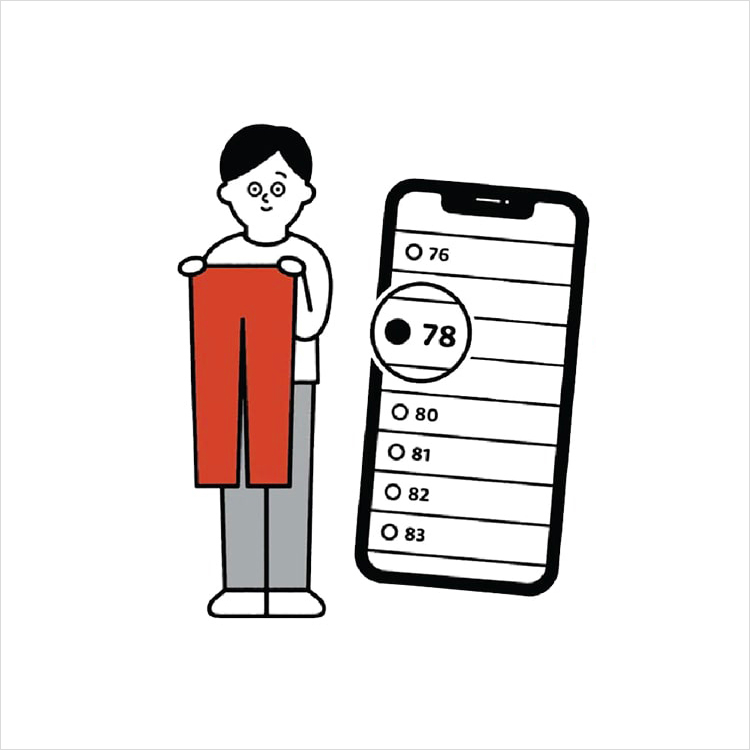
Online Alteration Service
We offer alteration to assist you both of item which purchased from store or online store. Please bring the items with the original receipt or the original tax invoice, contact any branch near home for getting the assistance