
About Order Cancellation & Modification
Topics
*Order Modification*Order Cancellation
*How to Cancel an Order
*Frequently Asked Questions
Once your order has been confirmed, it cannot be modified.
If you need to make changes, please cancel the order within the allowed time and place a new order.
Reasons why order details cannot be modified:
- Change size / color
- Increase or decrease item quantity
- Cancel specific items only
- Combine multiple orders
- Change payment method
- Change shipping address
- Change to a gift order
You may cancel your order within 30 minutes after the order is confirmed.
However, cancellation is not possible in the following cases:
- More than 30 minutes have passed since order confirmation
- Cancelling specific items only
- The order has entered the shipping process
- Orders paid through channels that do not support cancellation (depending on country conditions)
Check how to return or exchange items here >> Return / Exchange Procedure
If the “Cancel” button is not displayed, the order cannot be cancelled.
How to Cancel via the UNIQLO App
- Tap the member profile icon
- Select "Order History"
- Select the order and tap "Cancel"
- The order status will change to Cancelled once completed
📜 Click here to view sample images
How to Cancel via the Website
- Log in to your account
- Go to "Order History"
- Select the order and click "Cancel"
- The order status will change to Cancelled
📜 Click here to view sample images
-
Q. Can I change the size, color, or item details?
A. Unfortunately, order details cannot be modified.
We recommend cancelling the order (if still possible) and placing a new one.
Alternatively, receive the item and proceed with a return/exchange according to the policy. -
Q. Can I cancel only some items or cancel after 30 minutes?
A. No, partial cancellation or cancellation after 30 minutes is not possible because the shipping process begins shortly after the order is placed.
-
Q. I want to change the shipping address after placing the order.
A. If within 30 minutes → Please cancel the order and place a new one.
If more than 30 minutes → Please contact us with the updated information at customerservice@uniqlo.co.th
*Changing the selected pickup store is not possible.
Contact UNIQLO Thailand
 CHAT SUPPORT
Monday - Sunday: 9am - 6pm
(Including Public Holidays)
Monday - Sunday: 9am - 6pm
(Including Public Holidays)
Related services

App Benefits
The UNIQLO APP, Enjoy Online Shopping Experiences
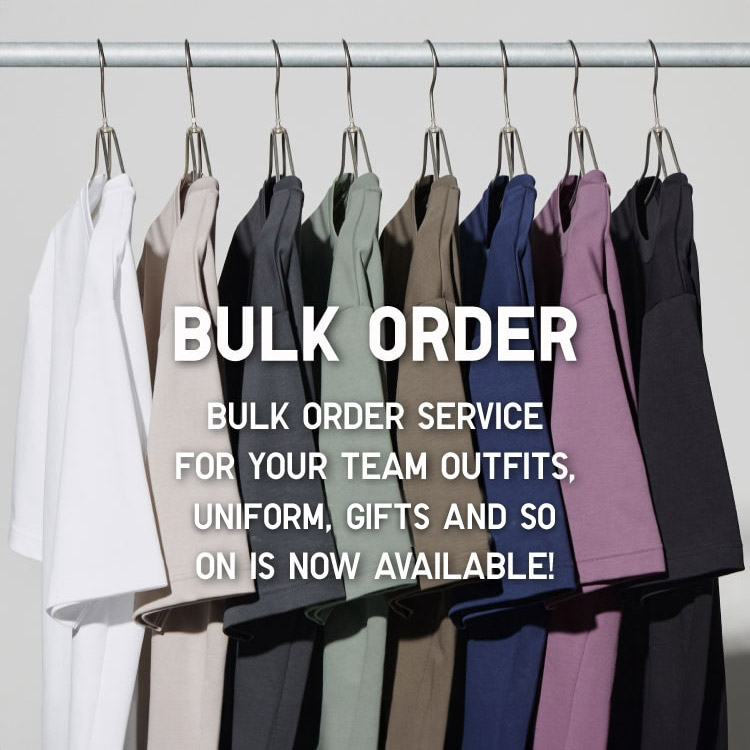
Bulk Purchase
We are welcome to make bulk purchase order for company's uniform or a gift for celabrate on festival
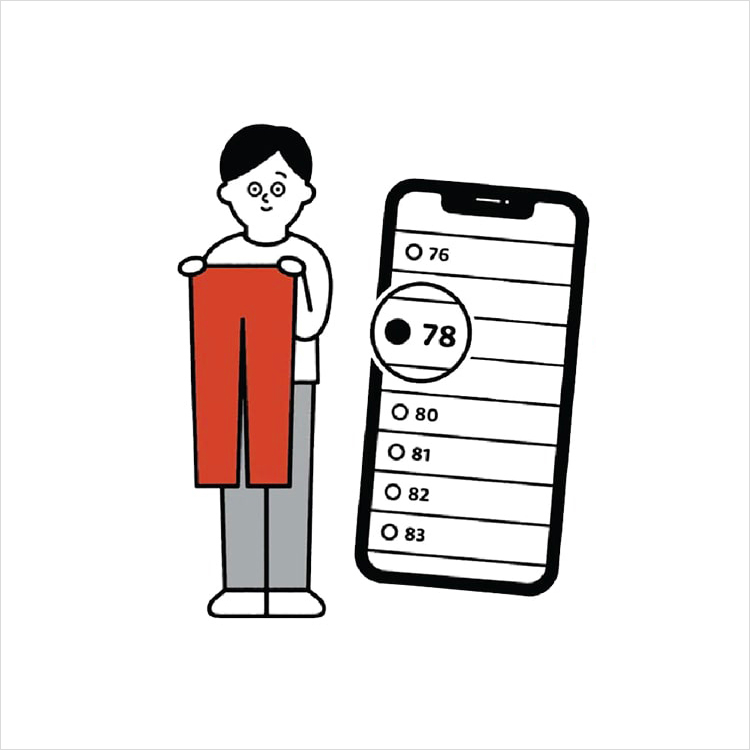
Online Alteration Service
We offer alteration to assist you both of item which purchased from store or online store. Please bring the items with the original receipt or the original tax invoice, contact any branch near home for getting the assistance