
Pay In Store Service
UNIQLO Pay in Store is a payment option that allows customers to pay at their selected store branch within 2 hours of confirming their order. The products will be shipped after payment is completed.
This is not a payment method for immediate in-store pickup upon payment.
1. Confirm your order.
2. Make payment at your selected store branch within 2 hours of order confirmation.
3. Once payment is completed, your products will be shipped to the address you provided.
Products will be shipped from the online warehouse to the address specified by the customer, as follows:
- Delivery to your address (Standard delivery)
- Delivery to a store branch (Click & Collect), including both Same-day delivery and standard Click & Collect options.
Customers may pay at the store branch using:
- Credit card / Debit card
- QR code (Currently, QR code payments via credit card are not accepted)
- Cash
Please check store hours >> Click here <<
Notes:
- Gift cards cannot be used for Pay in Store orders.
- If payment cannot be made within 2 hours, the order will be automatically cancelled.
- If you select the alteration service (pants alteration), Pay in Store payment is not available.
| Time After Payment Completion | Payment Method | Cancellation Policy |
| Within 30 minutes | Cash | Cancellation is allowed within 30 minutes after payment.* |
| Credit or Debit Card | Cancellation is allowed within 30 minutes after payment.* | |
| QR Code via KBANK Application | Cancellation is allowed within 30 minutes after payment.* | |
| QR Code via Other Banks | Cancellation is not permitted.** | |
| After 30 minutes | All payment methods | Cancellation is not permitted.** |
* If you wish to cancel the order, please inform the cashier to proceed with the cancellation.
** If the order arrives at the store and is not collected within 14 days,
we will cancel the order and issue a refund.
1. After selecting products and reviewing your cart, proceed to "Checkout"
2. Choose your delivery address (either Standard delivery or Click&Collect).
3. Select the payment method [Pay in Store].
*This option is available during store operating hours at 10:00AM – 08.00PM.
4. A notification will appear, reminding you to complete payment within 2 hours.
Please confirm by clicking "Yes”.
5. Select your preferred store branch by searching via district, sub-district, province, or postal code. Choose the branch by clicking “Select”, then click “Pay in this Store”.
6. Continue by clicking “Place Order”.
7. A barcode for your order will be displayed.
Present this barcode to the cashier at your selected store branch
and complete payment within 2 hours.
If you close the payment barcode screen,
you can retrieve it again by going to “Order History” > “Details”.
Contact UNIQLO Thailand
 CHAT SUPPORT
Monday - Sunday: 9am - 6pm
(Including Public Holidays)
Monday - Sunday: 9am - 6pm
(Including Public Holidays)
Related services

App Benefits
The UNIQLO APP, Enjoy Online Shopping Experiences
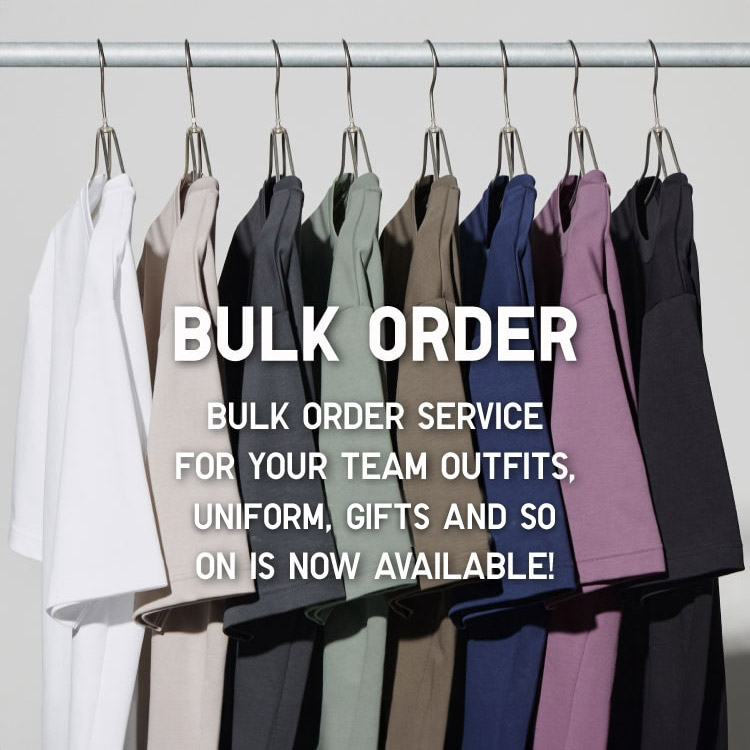
Bulk Purchase
We are welcome to make bulk purchase order for company's uniform or a gift for celabrate on festival
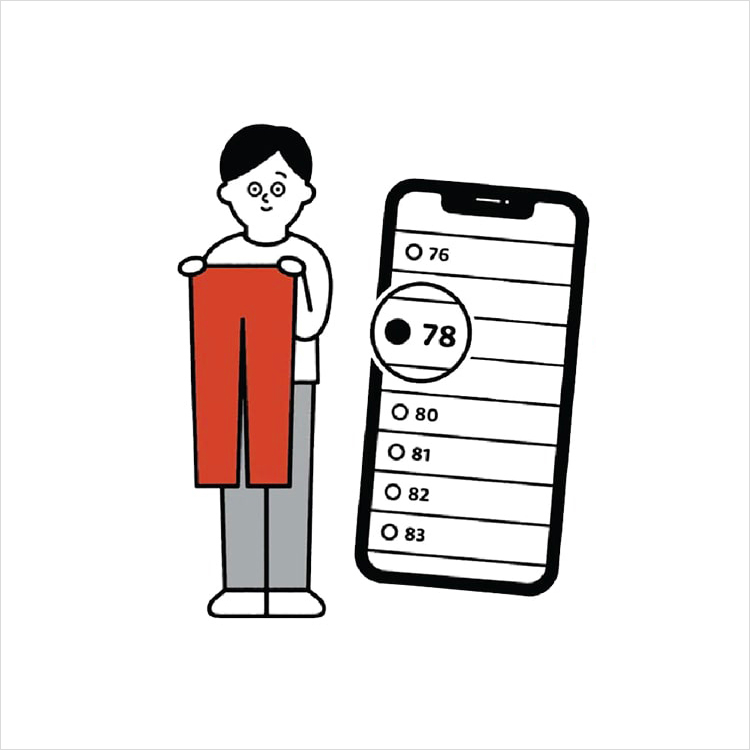
Online Alteration Service
We offer alteration to assist you both of item which purchased from store or online store. Please bring the items with the original receipt or the original tax invoice, contact any branch near home for getting the assistance