
Membership Registration | Unable to Verify Your Email Address
To ensure a safe and secure online shopping experience, UNIQLO requires members to verify their email address before using the online store.
If you are unable to verify your email address, please review the issues and solutions outlined below.
1. I have not received the verification code.
Possible causes and solutions
Emails are blocked or rejected
-
Please ensure that your email settings allow messages from noreply-enews@mail.th.uniqlo.com.
-
We recommend completing the verification process in a stable internet environment.
The email has been delivered to your Spam/Junk folder
-
Please check your Spam or Junk Mail folder.
The email address was entered incorrectly
-
Please review the email address you entered, paying particular attention to common input errors such as extra spaces, full-width characters, or incorrect domain names (for example, @gmail.com, @yahoo.co.th).
Email restrictions set by your email service provider
-
Even if you did not configure these settings yourself, they may have been applied by your email service provider. Please check the email reception settings of your provider, such as Gmail or Yahoo.
2. An error occurs after entering the verification code.
Possible causes and solutions
An outdated verification code was entered
-
If you click the “Send Verification Code” button multiple times, only the most recent verification code is valid. Please restart the verification process and enter the latest code you received.
The verification code has expired
-
The verification code is valid for 30 minutes after clicking “Send Verification Code.” If the time limit has passed, please request a new code and complete the verification within the valid period.
3. When returning to the verification code input screen, the screen to send a new verification code appears again.
Possible cause and solutions
Insufficient storage space on your smartphone
-
If you have access to a computer or tablet, please try completing the verification on another device.
-
If another device is not available, please try the following:
1. Close applications running in the background
2. Delete unnecessary emails from your inbox
3.Clear your web browser’s browsing history and cache
Note: The above steps are provided as examples and may not resolve the issue in all cases.
4. I want to change my registered email address but did not receive the verification code.
-
The verification code is sent to the currently registered email address. Please follow the instructions provided in the designated menu to change your email address.
5. I registered an email address that is no longer accessible and cannot receive the verification code.
-
If the registered email address is no longer available, you will not be able to confirm the verification code. Please register as a new member using an email address that you currently use.
If you have tried all of the above solutions and are still unable to verify your email address,
please contact Customer Service for further assistance at customerservice@uniqlo.co.th.
Contact UNIQLO Thailand
 CHAT SUPPORT
Monday - Sunday: 9am - 6pm
(Including Public Holidays)
Monday - Sunday: 9am - 6pm
(Including Public Holidays)
Related services
App Benefits
The UNIQLO APP, Enjoy Online Shopping Experiences
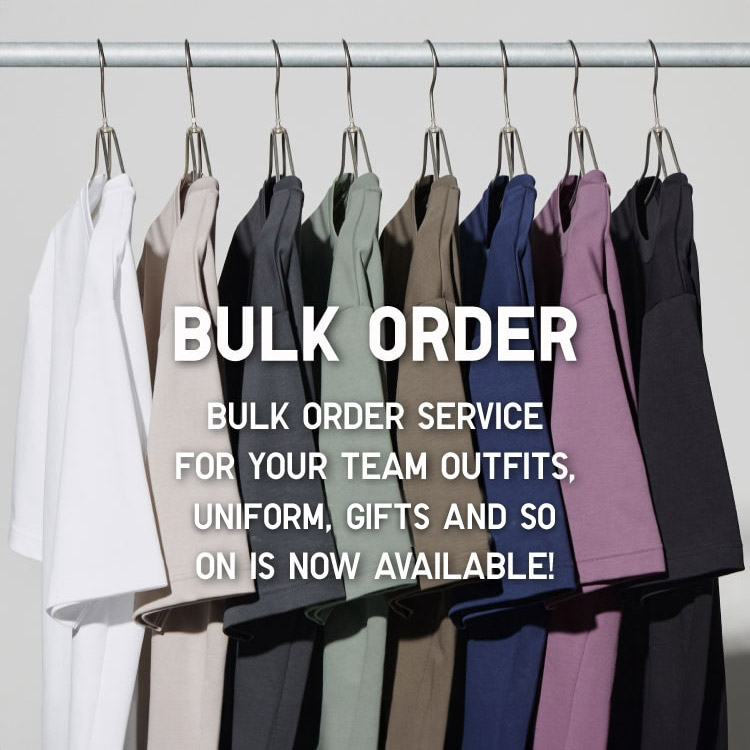
Bulk Purchase
We are welcome to make bulk purchase order for company's uniform or a gift for celabrate on festival
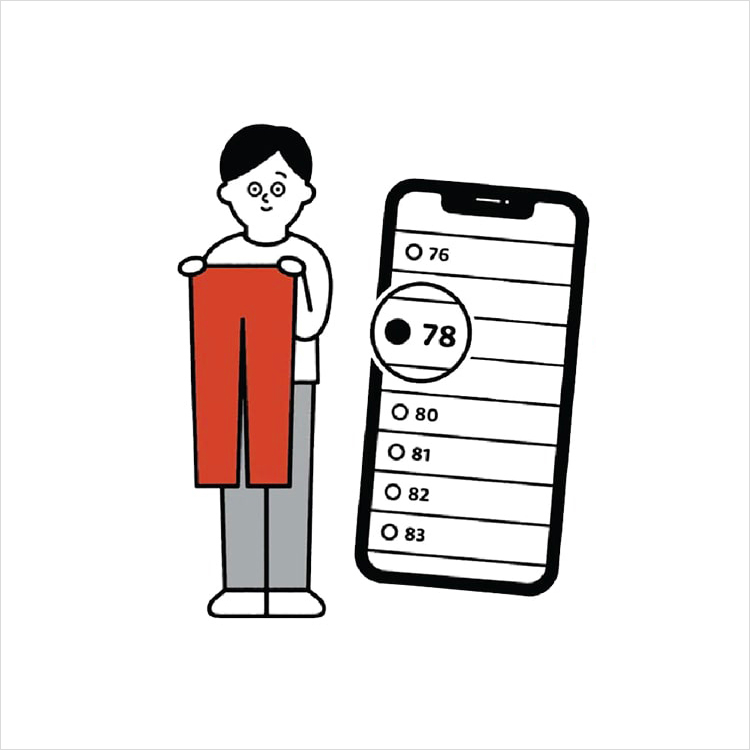
Online Alteration Service
We offer alteration to assist you both of item which purchased from store or online store. Please bring the items with the original receipt or the original tax invoice, contact any branch near home for getting the assistance