
UNIQLO Thailand App and Website System Upgrade [15-22 September 2026]
We are excited to announce that we will be updating the UNIQLO Thailand Website and App this September, including the introduction of new services to make purchasing your LifeWear even better!
Please be informed that due to scheduled system updates, certain services will be temporarily suspended, and several changes will take effect following the update.
We truly appreciate your patience and support during this transition and thank you for your kind understanding!
Scheduled Update Period: September 15-23, 2026
- Website - September 21, 2026
- Application - September 21-22, 2026
Android and iOS application is now available to download.
Services resume available:
- Click&Collect and Sameday Click&Collect - has resumed services.
- Online Alteration - has resumed services.
- Online Payment Method including
- Credit & Debit Card, Cash on Delivery has resumed services.
- Pay In Store will be unavailable starting September 21, 2026. We will notify you once this service resumes.
The company will be temporarily unable to process Bulk Purchase orders from September 14 to October 4, 2026, due to a system upgrade. Processing of received orders will resume from October 5, 2026 onward. We apologize for any inconvenience this may cause.
However, you may continue to submit the Bulk Purchase Request Form as usual to inquire about product information and indicate your purchasing requirements. Orders submitted during the system upgrade period will be processed starting from October 5, 2026 onward.
You can find out more about the improvements we've made to our site and tips on navigating our new site soon. In the meantime, we would like to highly recommend you check out the information below to prepare for the upcoming changes for the new App and Website.
Click the ▽ below to see the detailed information:
-
▽ Password Reset / Email Update Requirement
Password Reset
When accessing your account after our new website and app launch, you will be required to reset your password as we make improvements to our system. Please proceed with updating your old password by following the steps in the Password Reset FAQ.
Email Update
Kindly ensure that the email address registered to your UNIQLO account is active and accessible. If you have provided a dormant or inactive domain email address, we highly recommend that you create a new account using a new email address.
Examples of invalid email addresses:
@gmial.com, @bigwebsite.com,
@example.com, example.com, @@example.com -
▽ Coupons Received Before September 21
For coupons that can be used in-store
If you have a coupon that can be used at our physical stores, please present your membership barcode to our staff before making a purchase.
Important notice:
During the App and Website service suspension on September 21-22,2026 you will not be able to view your available coupons in your account. However, you can check coupon availability by asking our store staff.
For coupons that can be used in the online store
Your coupons will remain saved in your account. However, they cannot be used for online purchases during the App and Website service suspension on September 21-22, 2026.
Once the service resumes on September 23, 2026 , you can view your coupons again on the Membership page under [Coupons].
After September 23, 2026 onwrads, the coupon condition will be change from THB 100 discount applicable for minimum purchase of THB 1,500 to be THB 100 discount applicable for minimum purchase of THB 1,000. Please check the coupon condition in the [Coupon]. -
▽ Item Cart and Wishlist Update
Please be advised that any products saved in your Wishlist and Cart before September 21 will be automatically removed.
Customers will be able to create a new Wishlist with improved features after the scheduled update, including adding products by size, along with preferred colors and styles.
We highly recommend that you take a screenshot of the items in your Cart for reference, and you may add them again after the system update. -
▽ Merging of Order & Purchase History
Please be advised that your Order History for online orders and Purchase History for physical-store purchases will be merged once the new App and Website launch.
Purchase history from before the update will not appear on the new Purchase History page. However, it will remain accessible through a separate link within your account. -
▽ About the Exchange and Return Process
For existing orders placed before September 21
You can still check your Order Status via email.
Returns will continue to be accepted as usual.
Helpful Link:
How To Return an Online Order? (Orders placed on or before February 2, 2026)
For orders placed after September 21
The return process will be updated after the website upgrade.
Please make sure to follow the correct return procedure based on your purchase date. Kindly refer to the relevant articles below for the appropriate return steps:
Orders placed on or after September 21, 2026 -
▽ Address Update Requirement
As part of our system upgrade, customers will need to review and update their saved delivery address, including their sub-district information and Mobile Phone, to ensure deliveries are processed accurately and without interruption.
-
▽ About Delivery Lead Time
The system update will not affect delivery lead times. Orders will be delivered as usual.
Questions about App/Website and Online Services Suspension
-
Can I still pick up Click & Collect at the store even if the service is suspended?
A: Yes, you can still pick up your Click & Collect order at the store you selected. Kindly show the Shipment Confirmation Email you received if the App is inaccessible due to the upgrade.
-
Will Click & Collect be available again?
A: Yes, it will be available again from September 24 onward after completion of the system upgrade.
-
I would like to place an online order with the THB 100 packaging fee waived.
A: You are eligible for a waiver of the THB 100 packaging fee when selecting Home Delivery with a minimum purchase of THB 990.
-
If I would like to use the Online Alteration service before the temporary suspension, when should I place my order?
A: To use the Online Alteration service before the temporary suspension, please place your order by September 17 at 11:59 p.m.
Contact UNIQLO Thailand
 CHAT SUPPORT
Monday - Sunday: 9am - 6pm
(Including Public Holidays)
Monday - Sunday: 9am - 6pm
(Including Public Holidays)
Related services

App Benefits
The UNIQLO APP, Enjoy Online Shopping Experiences
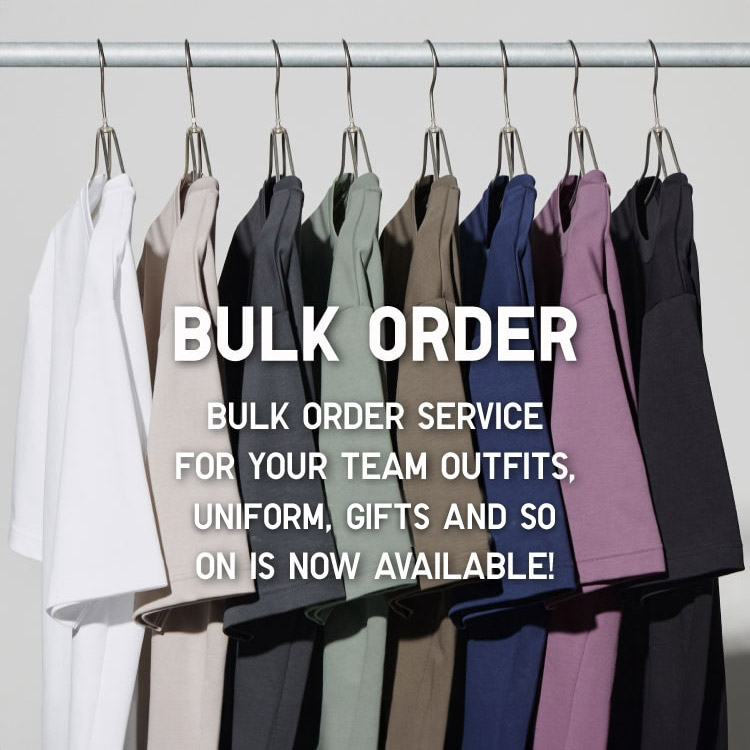
Bulk Purchase
We are welcome to make bulk purchase order for company's uniform or a gift for celabrate on festival
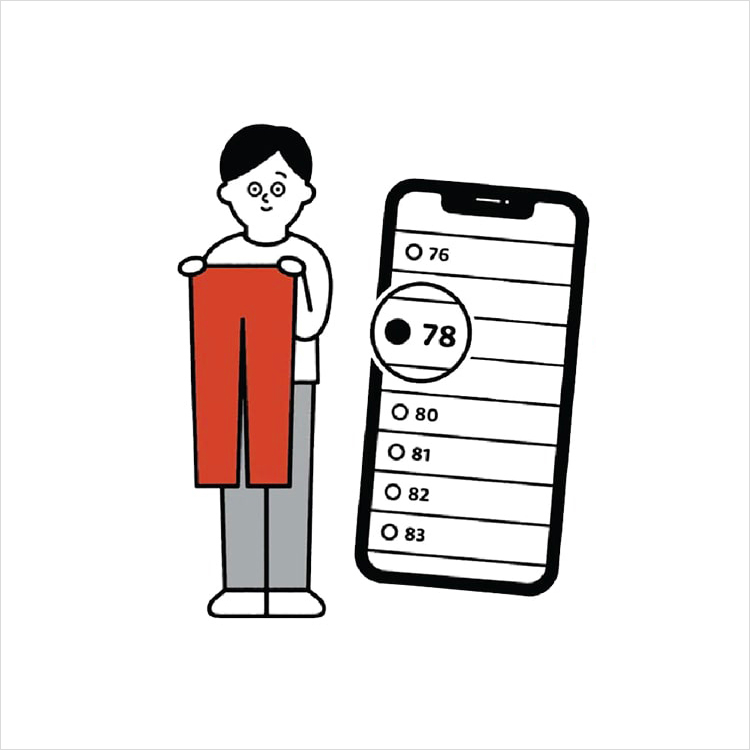
Online Alteration Service
We offer alteration to assist you both of item which purchased from store or online store. Please bring the items with the original receipt or the original tax invoice, contact any branch near home for getting the assistance