
Need Assistance with Credit Card or Debit Card Payments
If you experience any problems while making a payment with your credit or debit card,
please review the card usage guidelines and the common issues listed below.
Topics
The card usage guidelines
The common issues
Note: Debit cards starting with 462287 (Visa) and 559888 (Mastercard) will no longer be accepted from January 31, 2025, at 19:00 (GMT+7) onward.
To ensure a more secure transaction, customers are required to register their card for online purchases and enable 3D Secure with their issuing bank before making any online payment.
3D Secure is an authentication method designed to protect you when making online purchases using your credit or debit card. It helps prevent unauthorized use of your card.
Below are the links for enabling 3D Secure:
- Krungthai Bank
- Bank of Ayudhya (Krungsri)
- Kasikorn Bank
- TMB Thanachart
- Siam Commercial Bank (SCB)
- Government Savings Bank (GSB)
- Bangkok Bank: Bangkok Bank does not provide a direct link for 3D Secure registration. The service will be automatically enabled when making online purchases, and an OTP will be sent to your registered mobile number for verification. You may also contact: Bualuang Phone 1333 (for debit cards) or Credit Card Service Center: (66) 0 2638 4000 (for credit cards). .
- For other banks, please contact your issuing bank directly.
-
A message appears stating that my card information is incorrect or that I should use another card.
Please check the accuracy of your card information as follows:
- The cardholder’s name must match the name printed on the card you are using.
- The card number must be entered without spaces.
- Ensure that the credit card security code (CVV) is entered correctly and within the required time frame. *CVV is the three‑digit number printed on credit and debit cards.
- Check whether your card has been enabled for online purchases (3D Secure) with your issuing bank. If you have already registered but still cannot complete the purchase, please contact your issuing bank for further assistance.
-
I did not receive a One-Time Password (OTP)
Since OTPs are sent directly by your issuing bank, if you do not receive an OTP, please contact your bank for further support.
Contact UNIQLO Thailand
 CHAT SUPPORT
Monday - Sunday: 9am - 6pm
(Including Public Holidays)
Monday - Sunday: 9am - 6pm
(Including Public Holidays)
Related services

App Benefits
The UNIQLO APP, Enjoy Online Shopping Experiences
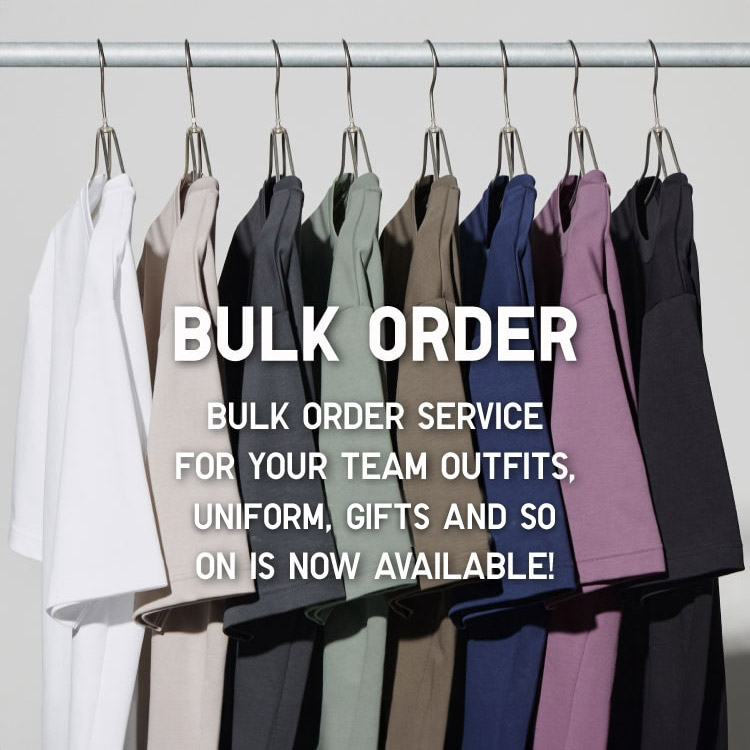
Bulk Purchase
We are welcome to make bulk purchase order for company's uniform or a gift for celabrate on festival
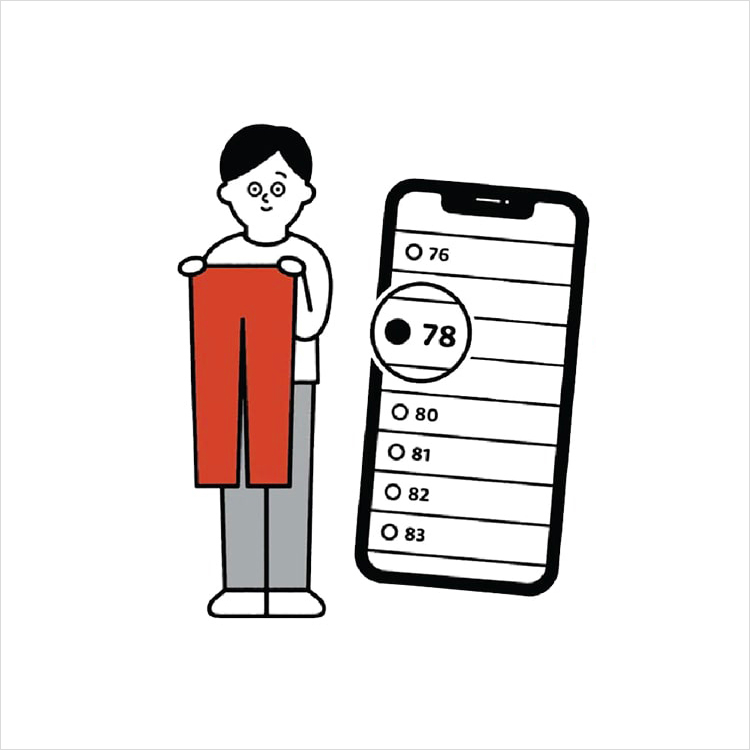
Online Alteration Service
We offer alteration to assist you both of item which purchased from store or online store. Please bring the items with the original receipt or the original tax invoice, contact any branch near home for getting the assistance