
Mysize Assist
We are introducing a new way to help you choose the most suitable size!
The MySize Assist feature uses AI technology to recommend the right size based on your height and body type, offering convenient options:
MySize Assist Function
- MySize ASSIST: Enter Your Information to receive size recommendations.
- MySize CAMERA: Take a photo to let the system analyze and suggest the best size for you.
- For greater accuracy, we recommend checking the size of clothes you already own or using your nude measurements as a reference.
- Please refer to the measurement guide and compare with the size chart on each product page.
1. How to Use MySize ASSIST
1.1 Click “Sizing” and select “MySize ASSIST.”📜 Click here to view the sample image.
1.3 Enter your information: specify your gender, age, height, and weight, then click “Continue.”
📜 Click here to view the sample image.
1.4 Once the size measurement is complete, the system will display the recommended size and the product’s fit details. *If you need to edit your information, you can update the details by clicking the “Change” button.
2. MySize CAMERA
2.1 Click “Sizing” and select “MySize ASSIST.”📜 Click here to view the sample image.
2.2 Please read the Terms of Service located above the “Agree and Continue” button before proceeding.
2.3 Enter your information: specify gender, age, height, and weight , then click “Continue.”
📜 Click here to view the sample image.
2.4 Once the size measurement is complete, the system will display the recommended size and the product’s fit details. *If you need to edit your information, you can update the details by clicking the “Change” button.
2.5 Scroll down and click “Try MySize CAMERA” followed by “Continue.”
Prepare your equipment as instructed. The system will use photos to calculate the recommended size.
📜 Click here to view the sample image.
Contact UNIQLO Thailand
 CHAT SUPPORT
* "CHAT SUPPORT" only available in THAI language
Email
Our Customer Care team will get back to you within the next 24 hours submitted Webform.
Phone
Customer Care Operating hours:
Monday - Sunday: 9am - 6pm
(Including Public Holidays)
Monday - Sunday: 9am - 6pm
(Including Public Holidays)
Phone
1800 011957
Customer Care Operating hours:
Monday - Sunday: 9am - 6pm
(Including Public Holidays)
Monday - Sunday: 9am - 6pm
(Including Public Holidays)
Related services

App Benefits
The UNIQLO APP, Enjoy Online Shopping Experiences
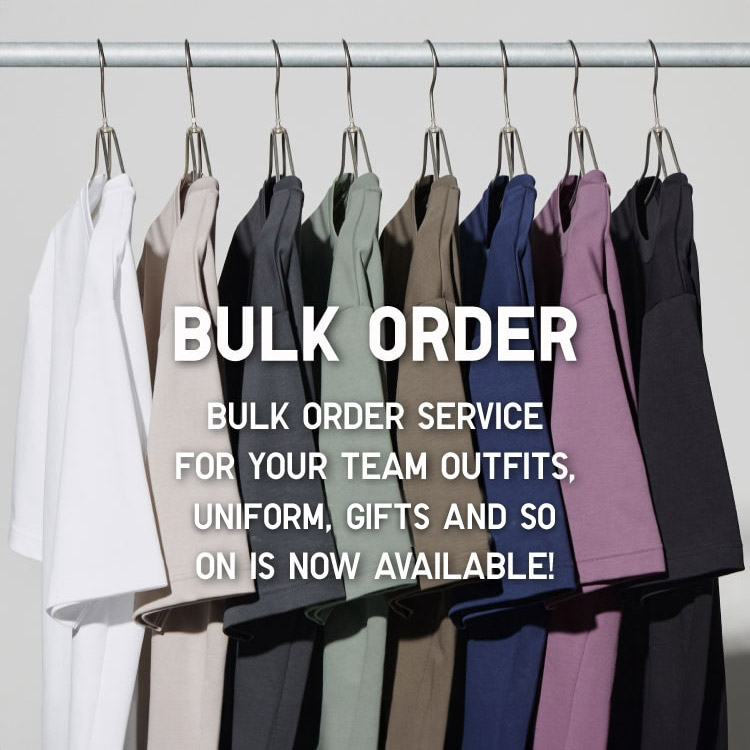
Bulk Purchase
We are welcome to make bulk purchase order for company's uniform or a gift for celabrate on festival
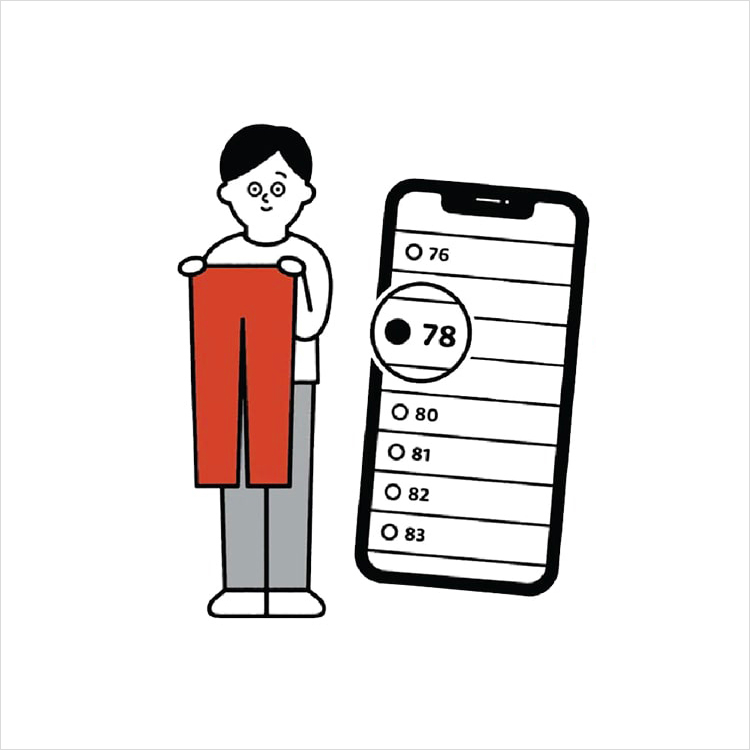
Online Alteration Service
We offer alteration to assist you both of item which purchased from store or online store. Please bring the items with the original receipt or the original tax invoice, contact any branch near home for getting the assistance