
How to order
Shop easily with all sizes available, anytime and anywhere, with UNIQLO Online.
Check out these simple steps for placing your order.
Table of Contents
*1. Select a product
*2. Proceed to checkout
*3.Log in or register as a new member
*4.Use a coupon (If you have one)
*5.Specify the delivery method
*6. Choose your payment method
*7. Order Complete
1.Select a product, the color, size, and quantity, then tap [Add to Cart].
*You can add up to 10 items to the cart at a time. If you want 15 items,
please add them two times. For example, add 10 items to the cart and Add 5 more items.
check the items in your cart and tap [Checkout].
*If you are not logged in, the login screen will be displayed. (Proceed to step 3)
*If you want to use a coupon, tap [Coupon] please proceed to step 4.
Customers are required to sign in to their member account before proceeding to checkout for each purchase.
For online membership registration, click here >> Membership registration
For reset password please click here >> Reset password
Check that the coupon has been applied in the [Coupon] field of your order details,
then tap [Checkout].
*If you would like to see our all coupons, Please visit>> About Coupon.
*If the coupon is not appeared after log in, please inform your member ship email to Customer Service via email customerservice@uniqlo.co.th.
On the Topic of 1. DELIVERY OPTION, please select preferred delivery options.
We provide 2 delivery methods which are
- Standard Delivery and Click&Collect [Pick up at Store]
- A special Same Day Click & Collect service is available at selected stores for same-day pickup.
[Check available branches via this link >> Same Day Click & Collect]
* For Estimated Delivery Date or others information on delivery methods, please click here
Standard Delivery, Click&Collect, and Same Day Click & Collect
On the Topic of 2. PAYMENT OPTION, please select preferred payment options.
The payment methods you can specify will vary depending on the delivery option.
*For more information on payment methods, click here >> Payment Methods
1. Standard Delivery
Payment methods include credit/debit card, cash on delivery, or Pay in Store.
2. Click & Collect (Pick up in store)
Payment methods include credit/debit card or Pay in Store.
Confirm your order details and tap [Place Order].
*Please be sure to check the ordered items, delivery address, etc.
** Customers can review their order details at any time by navigating to [Member] > [Profile] > [Purchase History] > [Online].
Contact UNIQLO Thailand
 CHAT SUPPORT
Monday - Sunday: 9am - 6pm
(Including Public Holidays)
Monday - Sunday: 9am - 6pm
(Including Public Holidays)
Related services
App Benefits
The UNIQLO APP, Enjoy Online Shopping Experiences
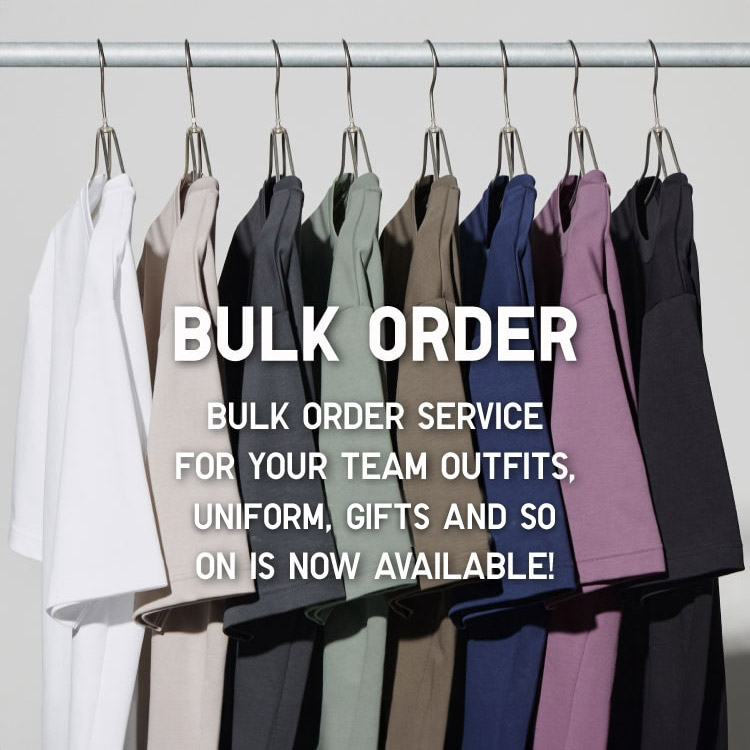
Bulk Purchase
We are welcome to make bulk purchase order for company's uniform or a gift for celabrate on festival
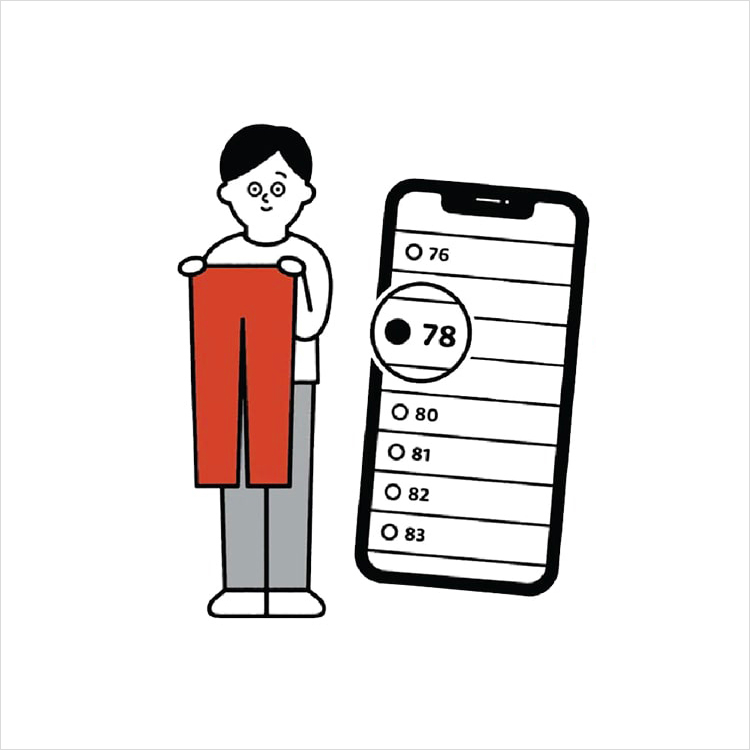
Online Alteration Service
We offer alteration to assist you both of item which purchased from store or online store. Please bring the items with the original receipt or the original tax invoice, contact any branch near home for getting the assistance