
Delivery|Estimated Delivery Date
Table of contents
*Estimated delivery time
*How to check the estimated delivery date
If you need assistance with your shipment, please click here >> Need help with Delivery
Standard Delivery (Home Delivery)
Delivery lead times vary depending on the delivery area and the destination postal code. In general, orders are delivered within 1-7 business days.The system will display the estimated delivery date based on the delivery address provided during checkout. Please review this information before confirming your order.
📜 Click here to view a sample image of the delivery lead time during the order confirmation step.
*In the event of unusual circumstances in certain areas, such as flooding or unrest, deliveries may be temporarily delayed. You can check your delivery status by clicking on 'Chat Service' at the bottom of this page, or by emailing customerservice@uniqlo.co.th.
Click & Collect
- Normal Click & Collect : 2-5 Business days.
- Same day Click & Collect [Available only some stores]: *Check the branches that offer Same Day Click & Collect here >> Click
will be delivered on the same day after 06.00 PM of the order date.
▪ Product ordered after 11.01 AM of the day (Thai Local Time)
will be delivered the day after the order date after 06.00 PM.
Note: The following cases are not eligible for Same Day Click & Collect delivery:
1) Online trouser alteration, as the processing time requires 1–2 business days
2) Gift wrapping orders
3) Orders containing items that are in transit to the warehouse (Pre-order / Stock in Transit)
Standard Delivery (Ship to Address)
Once your order has been shipped, you will receive a shipping confirmation email along with a tracking number.
You can check the estimated delivery date from the [Shipping confirmation email] or the [Purchase History] in the application.
📜 Click here to view an example of the shipping confirmation email
Checking via Purchase History
Go to the application >> [Membership] > [Purchase History] > [Online]
📜 Click here to view an example of the Order History screen in the application
Click & Collect (Store Pickup)
Once your order has been shipped from the warehouse, you will receive a shipping confirmation email.
📜 Click here to view an example of the shipping confirmation email
Checking via Purchase History
Go to the application >> [Membership] > [Purchase History] > [Online]
📜 Click here to view an example of the Order History screen in the application
When your order is ready for pickup, you can check the status from the Ready for Pickup email or the Purchase History in the application.
Checking via Ready for Pickup Email
📜 Click here to view an example of the Ready for Pickup email
Checking via Purchase History
Go to the application >> [Membership] > [Purchase History] > [Online]
📜 Click here to view an example of the Order History screen in the application
*If you do not receive the Ready for Pickup email, you may present your Order History or your membership barcode in the application when picking up your order.
Notes
*The Estimated Delivery Date is an estimated date generated by the system for reference only and may difference from the actual delivery date. For orders that qualify for Same Day Delivery, customers will receive the parcel on the parcel on the same day the order is placed, even if the Estimate Delivery Date shown is the next day.
*The Customer Service Center is unable to confirm the exact delivery date, but we will ensure your order reaches you as quickly as possible.
Contact UNIQLO Thailand
 CHAT SUPPORT
Monday - Sunday: 9am - 6pm
(Including Public Holidays)
Monday - Sunday: 9am - 6pm
(Including Public Holidays)
Related services

App Benefits
The UNIQLO APP, Enjoy Online Shopping Experiences
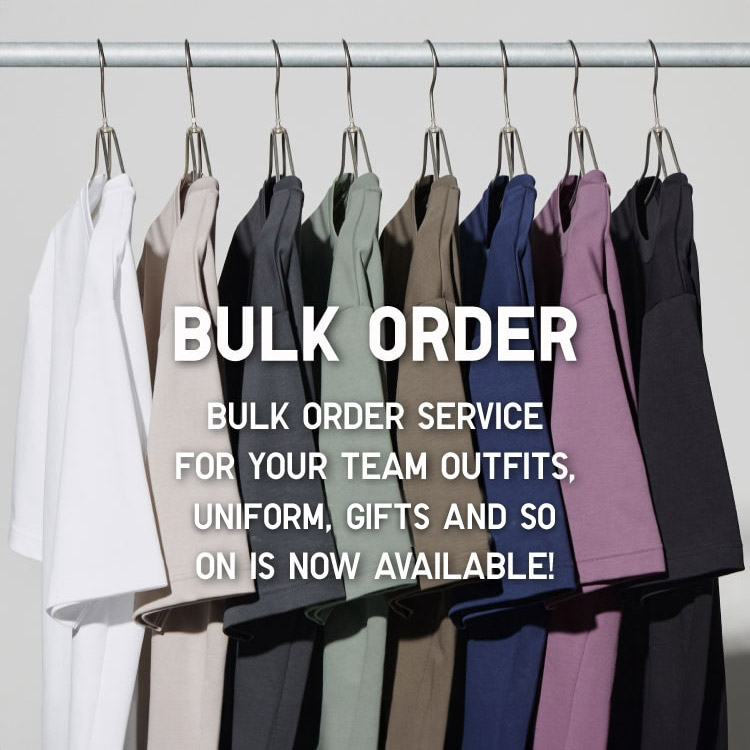
Bulk Purchase
We are welcome to make bulk purchase order for company's uniform or a gift for celabrate on festival
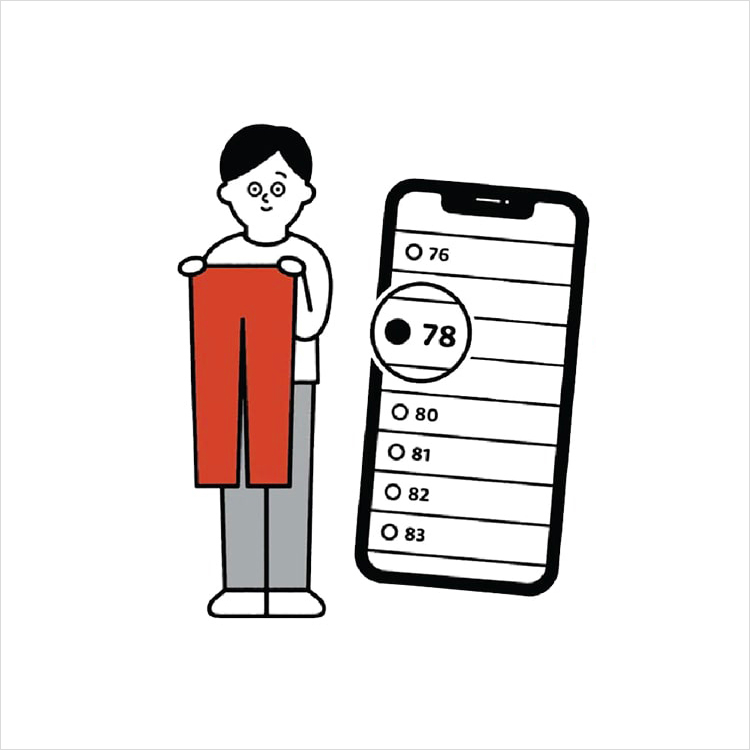
Online Alteration Service
We offer alteration to assist you both of item which purchased from store or online store. Please bring the items with the original receipt or the original tax invoice, contact any branch near home for getting the assistance