
About Automatic Order Cancellation
If you find that your order has been automatically cancelled,
we kindly request that you review the possible causes outlined below.
Important Notice
※ Orders that are automatically cancelled will be notified to customers via email.
※ Once an order has been automatically cancelled, it cannot be restored.
Please place a new order if you wish to proceed with your purchase.
※ Automatic cancellations are processed by the system based on predefined conditions.
The company is unable to make exceptions or extend payment deadlines.
| Payment Method | Reason |
|---|---|
| Pay In Store | The payment could not be confirmed within the specified time. ※ Payment deadline: Within 2 hours after the order is completed. Please place a new order and complete the payment within the specified time. The item will be shipped after payment has been successfully completed. For more details about the Pay In Store service >> Pay In Store Service |
| Credit Card | The payment could not be confirmed within the specified time. This may occur due to various reasons, such as: Incorrect card number, Incorrect security code (CVV) etc. that does not match the bank’s records. We recommend placing a new order and ensuring that all entered payment details are correct. ※ If the amount has already been charged, the refund or pending transaction will be processed according to the issuing bank’s timeline. Please contact your card-issuing bank for further confirmation. |
| For other payment methods | If your order has been automatically cancelled, please provide the email address used for the purchase to customerservice@uniqlo.co.th. |
Additional Notes
*The product price for a new order may differ from the original order.
*Products may be out of stock in some cases.
*If you continue to experience issues when placing an order, please contact UNIQLO Customer Service for further assistance at: customerservice@uniqlo.co.th
Contact UNIQLO Thailand
 CHAT SUPPORT
Monday - Sunday: 9am - 6pm
(Including Public Holidays)
Monday - Sunday: 9am - 6pm
(Including Public Holidays)
Related services
App Benefits
The UNIQLO APP, Enjoy Online Shopping Experiences
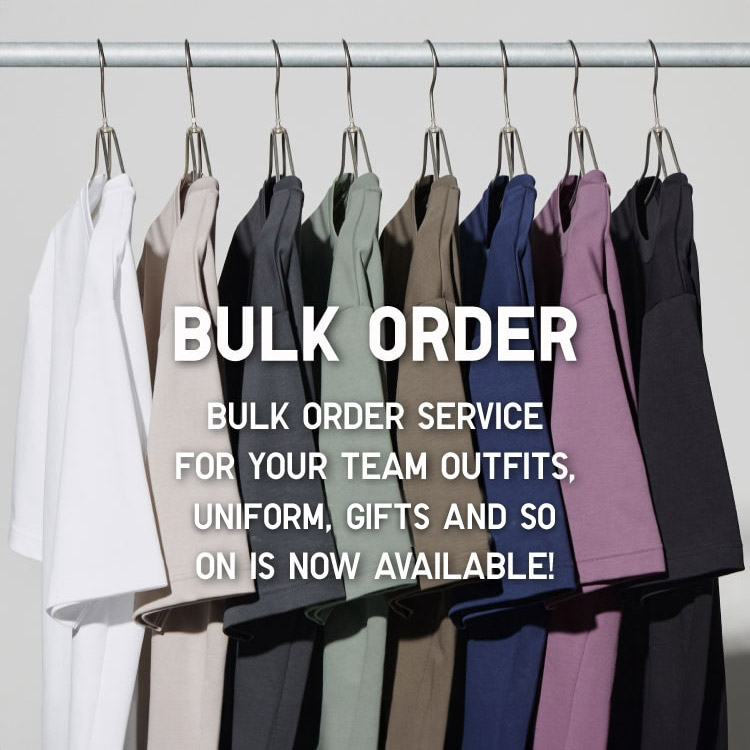
Bulk Purchase
We are welcome to make bulk purchase order for company's uniform or a gift for celabrate on festival
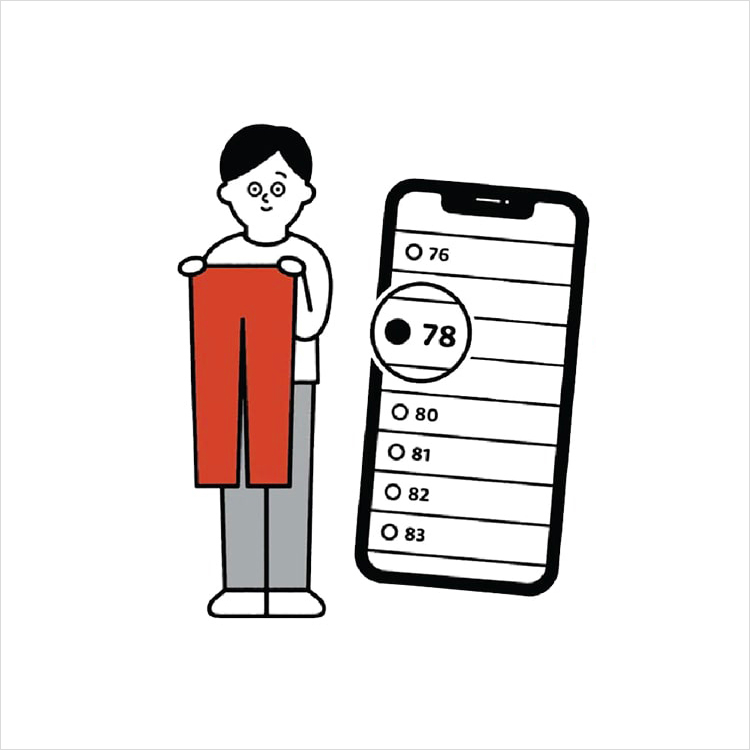
Online Alteration Service
We offer alteration to assist you both of item which purchased from store or online store. Please bring the items with the original receipt or the original tax invoice, contact any branch near home for getting the assistance